
Getting your WordPress site to the top of Google can feel like a huge puzzle. You've got great content and a slick design, but the traffic just isn't there. What's the secret? It often comes down to having the right tools in your corner. Choosing the perfect SEO tools for WordPress can automate the tricky parts, give you a clear roadmap, and turn your optimization efforts into real results.
But with so many options, from all-in-one plugins like Yoast and Rank Math to powerful external platforms like Ahrefs and SEMrush, how do you pick? We’ve cut through the noise to bring you the definitive list of the 12 best tools for the job. We'll dive into what makes each one tick, who it's for, and how to get the most out of it with screenshots and direct links.
As search continues to evolve with new concepts, understanding things like What is Generative Engine Optimization? becomes just as important as your toolset. This guide will give you the practical foundation you need, covering the tools that solve today's SEO problems. Let’s find the right fit for your site so you can stop guessing and start ranking.
1. Yoast SEO
Yoast SEO is often the first plugin people install on a new WordPress site, and for good reason. It’s a comprehensive, all-in-one solution that has become one of the most downloaded SEO tools for WordPress ever. Its real-time content analysis, which gives you instant feedback on your focus keyphrase usage and readability, is a game-changer for content creators who are new to on-page optimization.
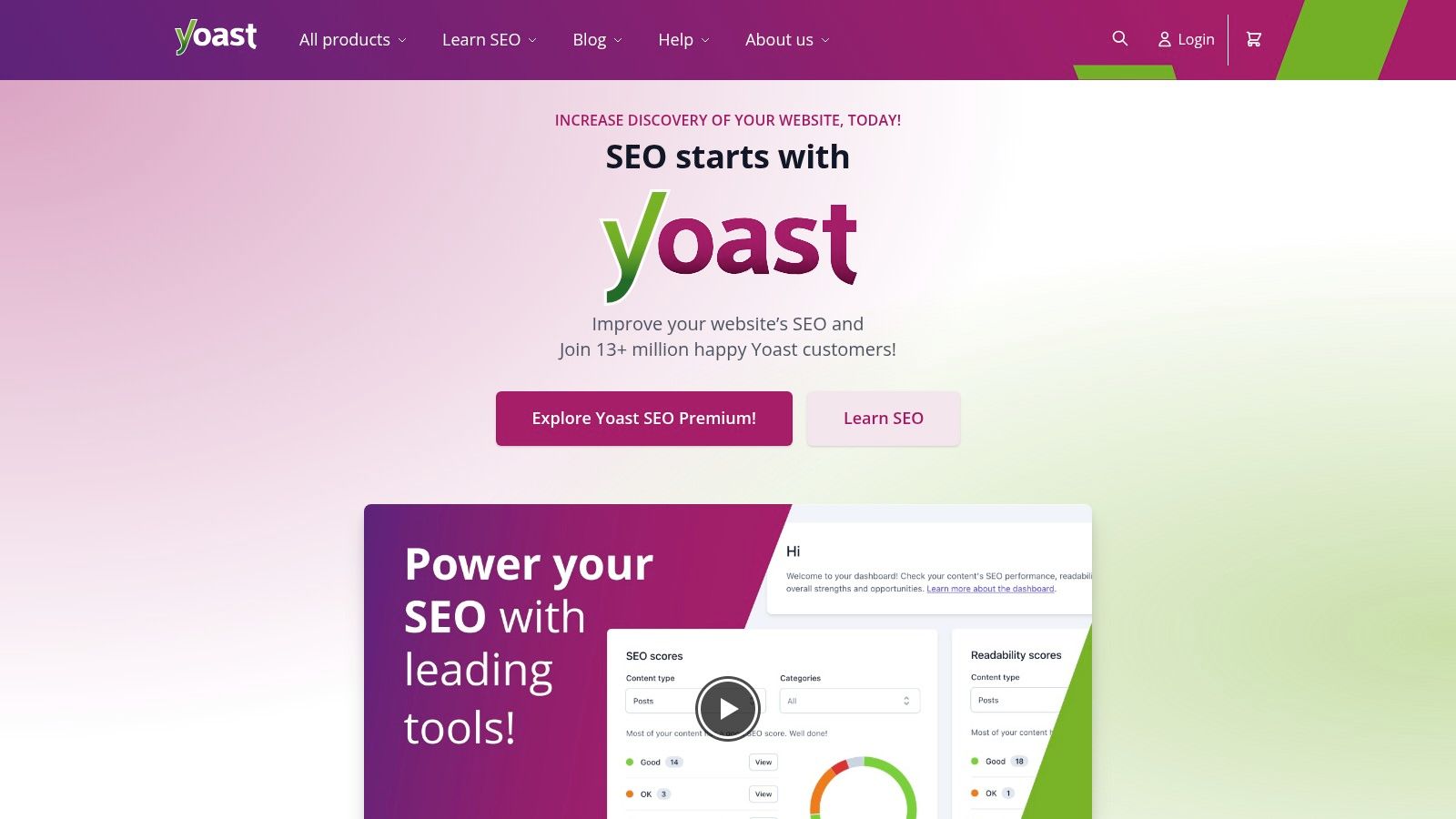
What makes Yoast stand out is its user-friendly interface that simplifies complex SEO tasks. From automatically generating an XML sitemap to giving you full control over your site's breadcrumbs and meta descriptions, Yoast puts essential SEO controls right inside your WordPress dashboard.
Pro Tip: Don't just chase green lights in the Yoast analysis. Use its suggestions as a guide, not a strict rulebook. The goal is to write great, natural-sounding content for humans first and search engines second.
Key Features & Pricing
The free version of Yoast is incredibly powerful and sufficient for most websites. However, the Premium version ($99/year per site) unlocks features like an automatic redirect manager, internal linking suggestions, and the ability to target multiple focus keyphrases.
- Pros:
- Extremely beginner-friendly with a clean interface.
- Excellent documentation and a huge support community.
- Consistent updates to keep up with Google's algorithm changes.
- Cons:
- Advanced features are locked behind a paywall.
- Can sometimes feel a bit bloated or resource-heavy on shared hosting.
Website: https://yoast.com/
2. All in One SEO Pack (AIOSEO)
As one of the original SEO plugins, All in One SEO Pack (AIOSEO) has a long-standing reputation for being a powerful and user-friendly alternative to Yoast. It excels at making advanced SEO accessible, offering a setup wizard that guides you through the optimal settings for your specific site. This makes it one of the most approachable SEO tools for WordPress, especially for users who want a bit more control without a steep learning curve.
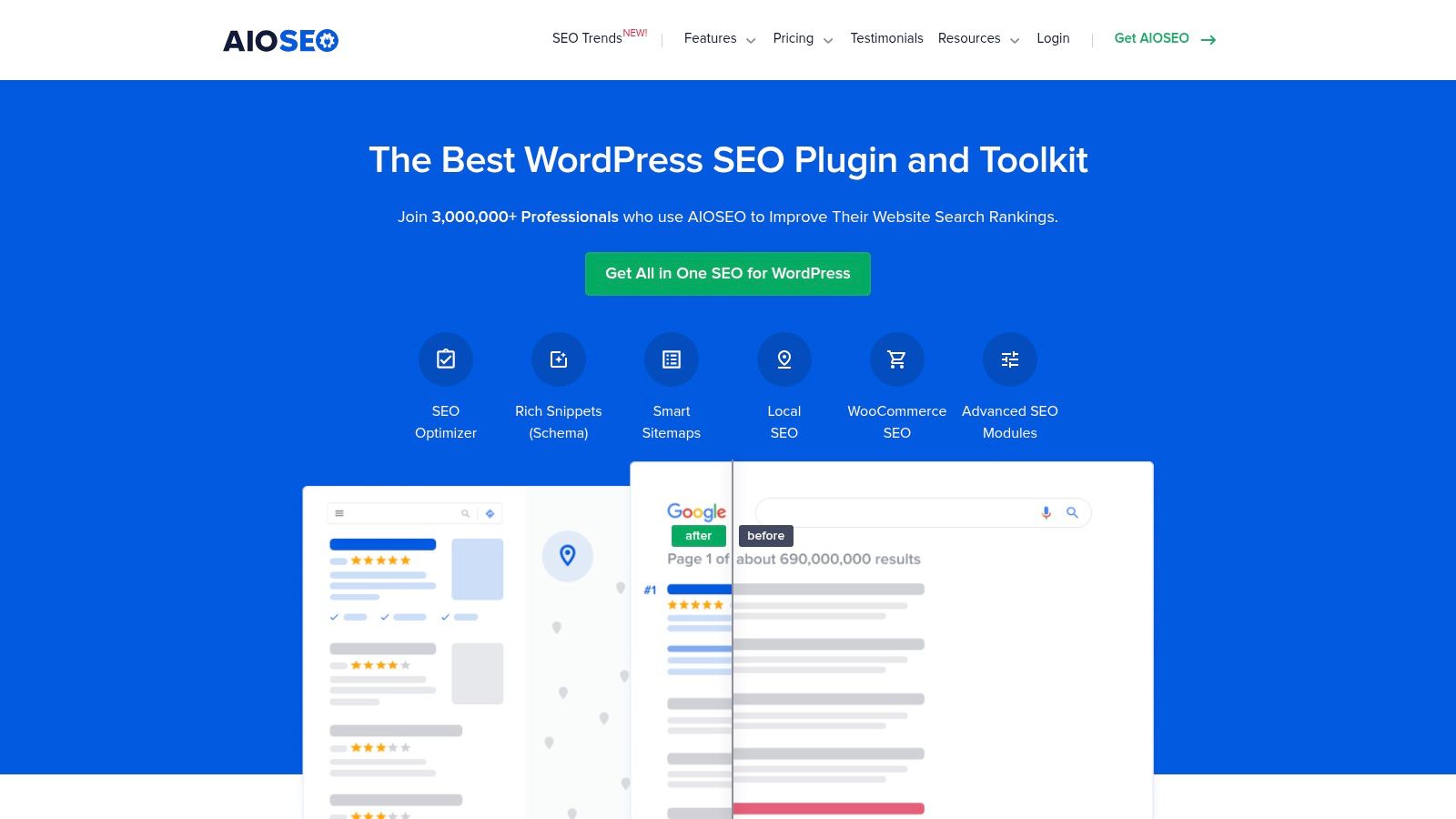
What sets AIOSEO apart is its modular approach. You can enable specific features like Local SEO or WooCommerce SEO as needed, keeping the plugin lightweight. Its TruSEO on-page analysis provides a practical checklist for optimizing posts and pages, while its smart meta tag generation automatically creates optimized titles and descriptions.
Pro Tip: Dive into the "Search Appearance" settings. AIOSEO offers great control over how your content types appear in search results, including advanced schema markup support for articles, products, and more. Properly configuring this can significantly improve your click-through rates.
Key Features & Pricing
The free version provides essential tools like XML sitemaps and on-page optimization. Premium plans start at $49.60 per year and unlock powerful additions like a redirection manager, local business schema, video sitemaps, and advanced WooCommerce SEO tools.
- Pros:
- Easy setup wizard makes configuration a breeze.
- Comprehensive features, including local and e-commerce SEO modules.
- Less intrusive on the post-editing screen compared to some competitors.
- Cons:
- The most powerful features are reserved for the premium versions.
- The cost can add up quickly if you need it for multiple websites.
Website: https://aioseo.com/
3. Rank Math
Rank Math has rapidly become a major contender in the WordPress SEO space, positioning itself as a fast, lightweight, and feature-packed alternative. It’s known for bundling a surprising number of premium-level features into its free version, making it one of the most powerful free SEO tools for WordPress available. Its setup wizard is particularly impressive, guiding you through a comprehensive configuration process that imports settings from other SEO plugins seamlessly.
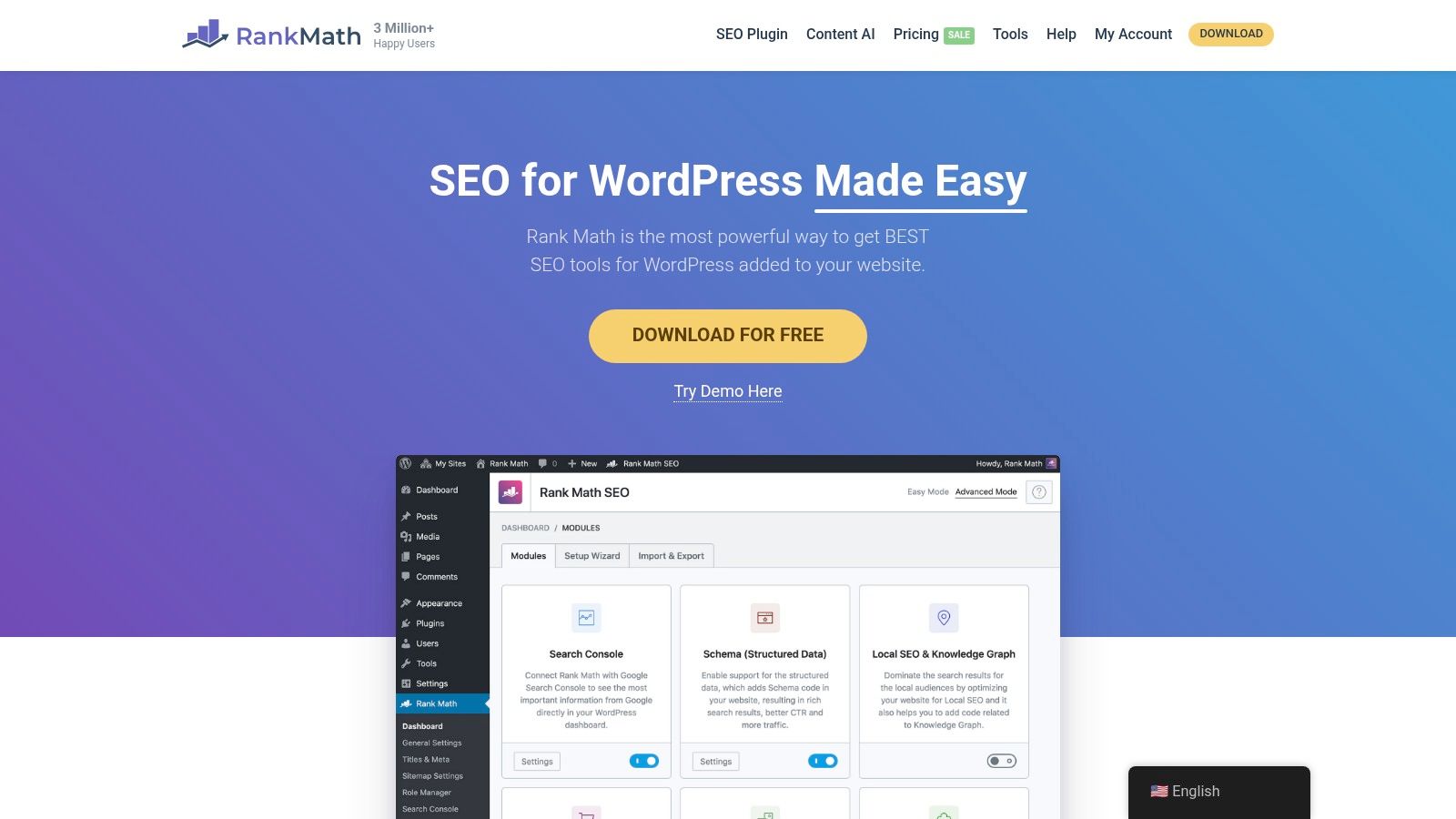
What truly sets Rank Math apart is its modular framework and deep integration with the WordPress block editor. You can enable or disable specific features to keep the plugin lean. Its built-in support for advanced schema types, like Article, Product, and Recipe, gives users a significant edge in achieving rich results in SERPs without needing extra plugins. Some users even use it in tandem with AI, and you can learn how to better use AI for SEO.
Pro Tip: Dive into Rank Math’s Analytics module. Connecting it to your Google Search Console account provides invaluable performance data and keyword tracking right inside your WordPress dashboard, saving you from constantly switching between tools.
Key Features & Pricing
The free version of Rank Math is remarkably generous. The Pro version (starting at $59/year) adds advanced features like a powerful schema generator, keyword rank tracking, and support for client sites, offering incredible value for agencies and power users.
- Pros:
- Extensive free feature set that rivals paid competitors.
- Comprehensive settings importer makes switching easy.
- Clean, modern, and user-friendly interface.
- Cons:
- Readability analysis isn't as detailed as some competitors.
- Some advanced features require the premium version.
Website: https://rankmath.com/
4. SEOPress
SEOPress positions itself as a powerful, lightweight, and white-label alternative to the more established players. It’s a fantastic all-in-one plugin that provides a clean, ad-free experience even in its free version, making it a favorite for agencies and developers who want to offer SEO tools for WordPress to their clients without third-party branding. Its straightforward installation wizard helps you configure all the essential settings in minutes.
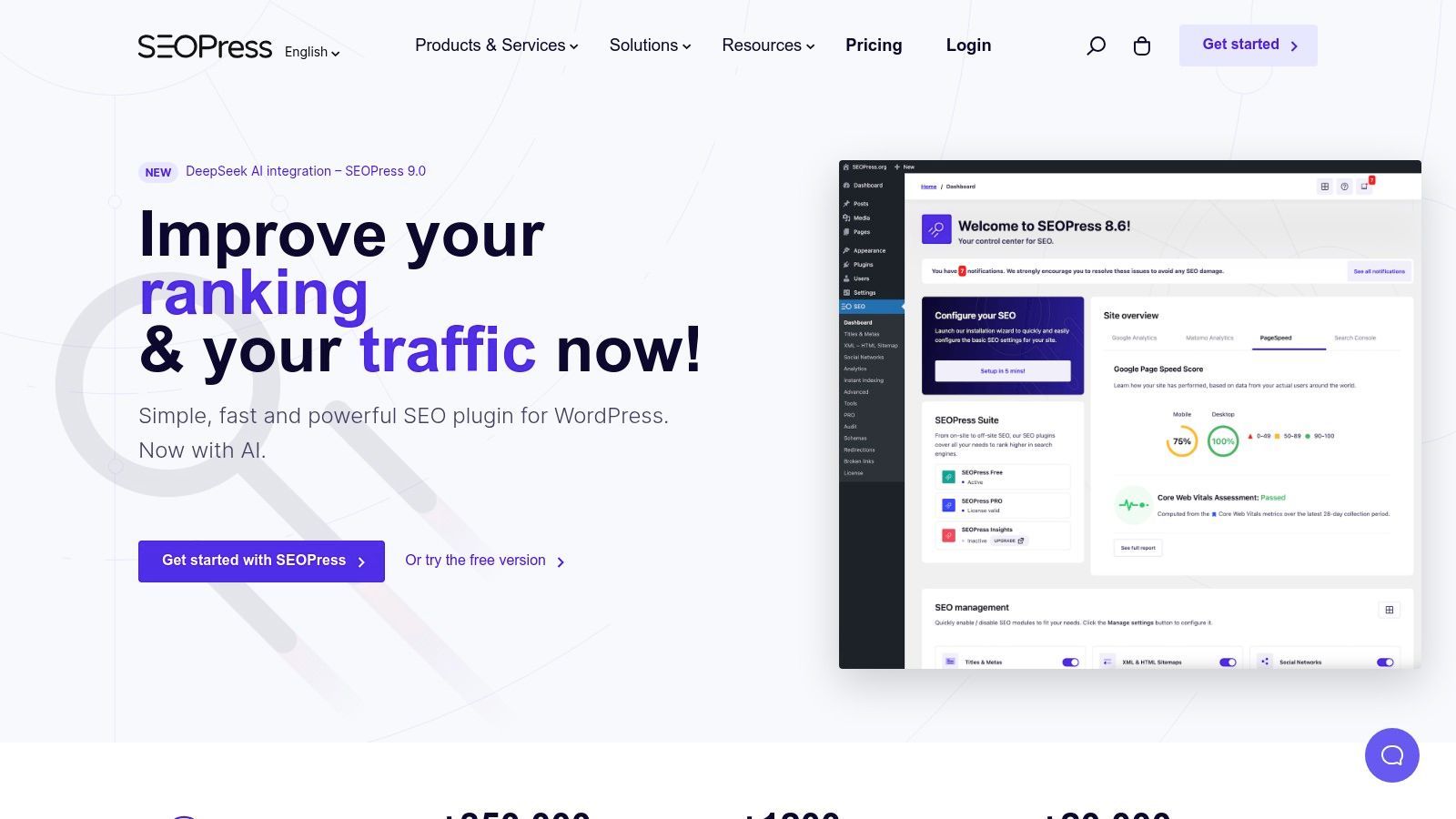
What makes SEOPress a strong contender is its focus on providing a comprehensive feature set without the bloat. You can easily manage your titles and metas, create XML and HTML sitemaps, and even get a live preview of how your content will look on Google, Facebook, and Twitter, all from an intuitive interface.
Pro Tip: Dive into the advanced settings to enable features like image SEO, which can automatically set alt text and titles for your images from the filename. This is a huge time-saver for image-heavy sites like blogs or e-commerce stores.
Key Features & Pricing
The free version of SEOPress is remarkably robust. For those needing more power, the Pro version is incredibly affordable at just $49/year for unlimited sites. This unlocks schema markups, a redirect manager, broken link checker, and deep WooCommerce integration.
- Pros:
- Extremely affordable Pro version for unlimited sites.
- Comprehensive free version with no ads or footprints.
- White-label feature is a massive plus for agencies and freelancers.
- Cons:
- Some advanced features are only available in the premium version.
- The sheer number of options can feel a bit overwhelming for absolute beginners.
Website: https://www.seopress.org/
5. Squirrly SEO
Squirrly SEO positions itself not just as a plugin, but as an AI-powered SEO consultant living inside your WordPress dashboard. It guides you through the entire optimization process, from finding untapped keywords to analyzing your performance. Its standout feature is the "Live Assistant," which provides real-time, color-coded feedback as you write, gamifying content creation to help you hit all the right on-page SEO marks.
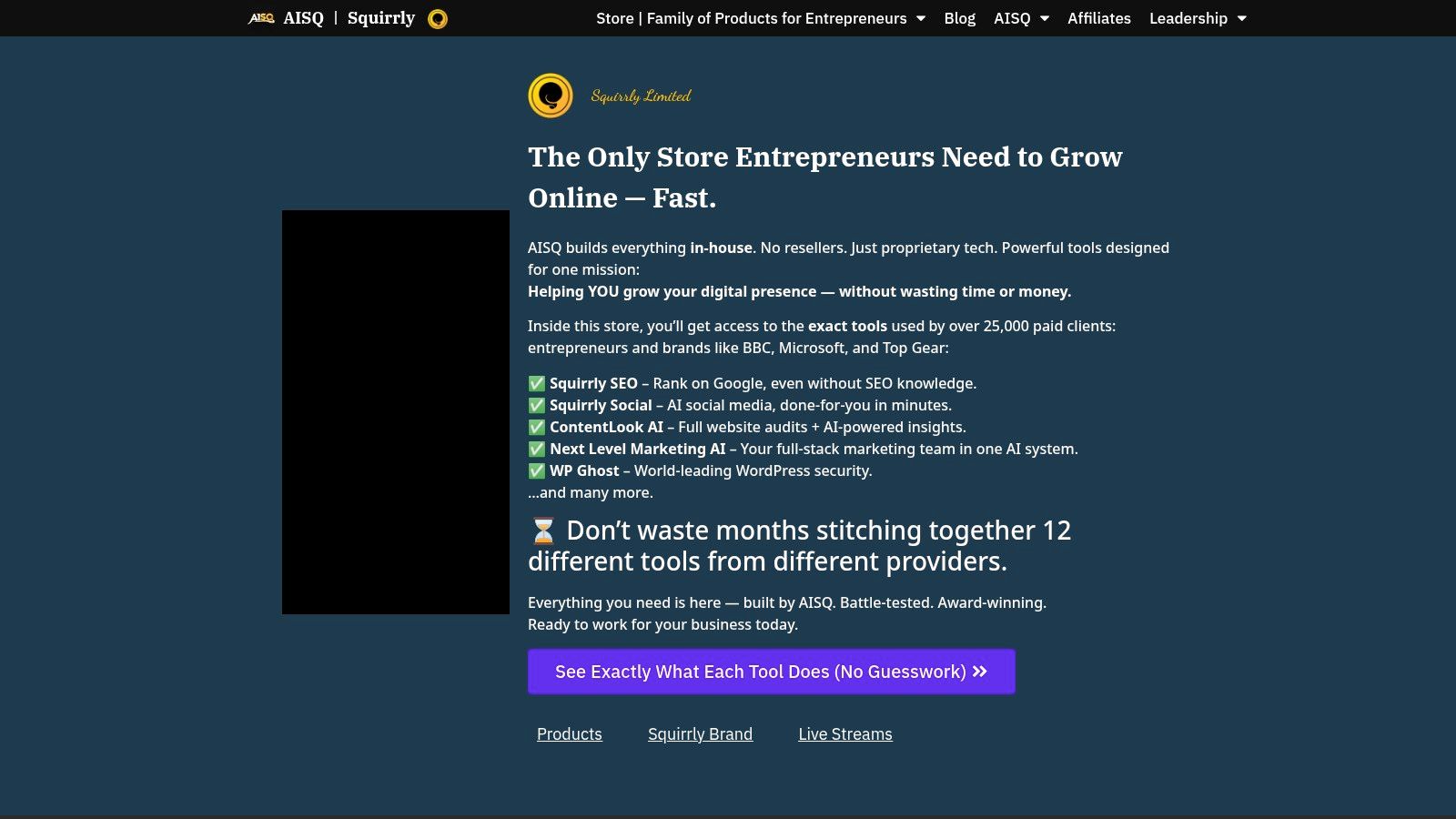
What makes Squirrly different is its focus on education and process. It uses a "Focus Pages" feature to help you concentrate your efforts on your most important pages, providing a step-by-step roadmap to improve their rankings. This makes it one of the most hands-on SEO tools for WordPress for those who want to learn why they are making changes, not just what changes to make.
Pro Tip: Use Squirrly’s "Blogging Assistant" and "Bulk SEO" features to quickly optimize old, underperforming posts. It’s a fast way to get more value from your existing content library without starting from scratch.
Key Features & Pricing
Squirrly offers a limited free plan, but its power is unlocked in the premium tiers, which start at $20.99/month for the Business plan. This provides access to advanced keyword research, in-depth audits, and rank tracking.
- Pros:
- Covers the entire SEO lifecycle, from research to ranking.
- Excellent for beginners who want to learn SEO principles.
- Gamified approach makes optimization feel less like a chore.
- Cons:
- The feature-rich interface can be overwhelming for users wanting a simple tool.
- Premium plans are more expensive than some direct competitors.
Website: https://www.squirrly.co/
6. SmartCrawl
SmartCrawl, developed by WPMU DEV, is designed for users who want powerful SEO features without a steep learning curve. It simplifies many core SEO tasks through automation and a clean, setup-wizard-driven interface. This plugin is excellent for those who feel overwhelmed by more complex SEO tools for WordPress, offering a balanced approach that gets the job done efficiently. It handles everything from sitemap generation to basic schema markup with minimal fuss.
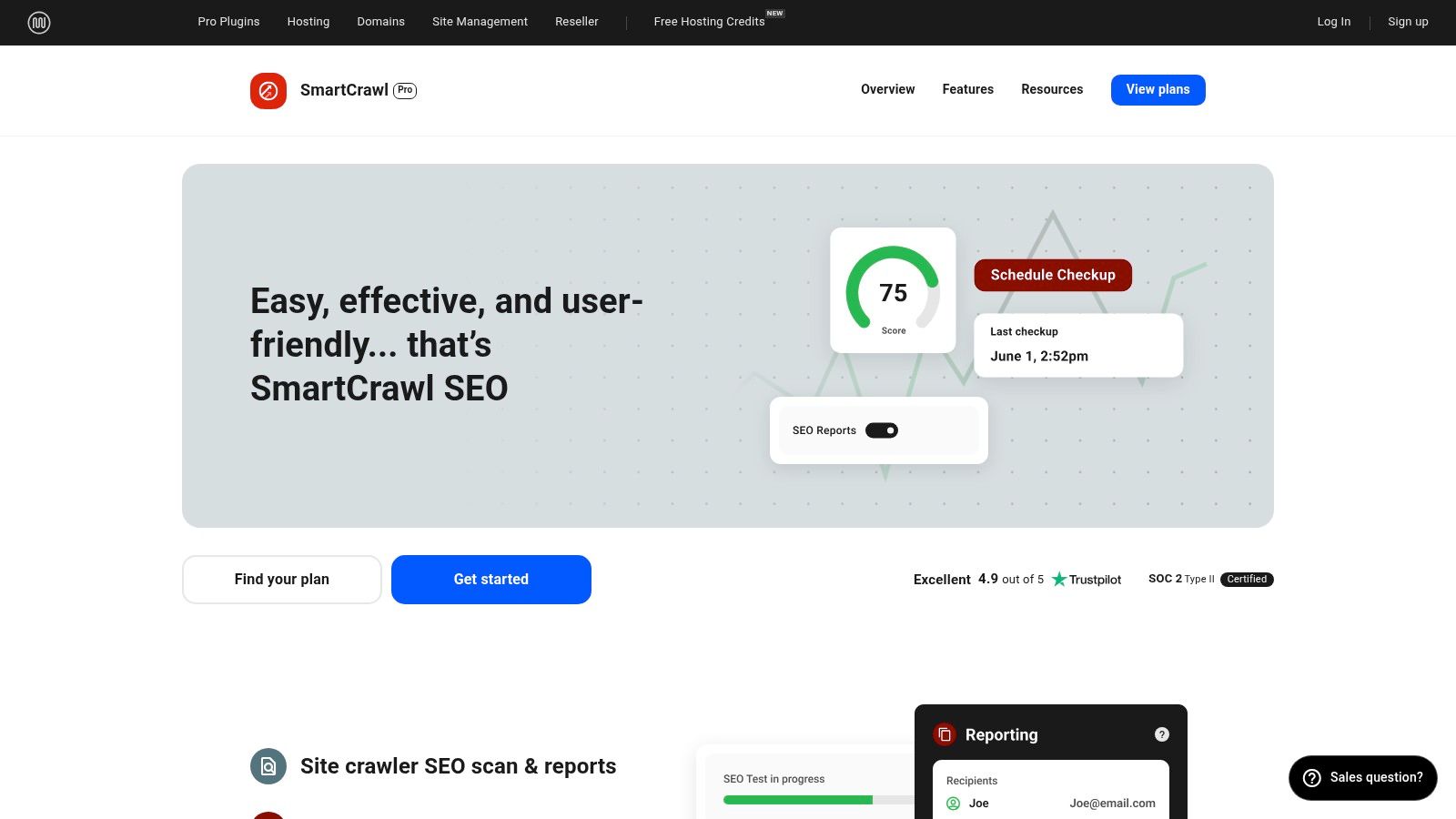
What makes SmartCrawl stand out is its emphasis on automation and clear reporting. For instance, its "Auto-Link" feature lets you set up rules to automatically link keywords to specific URLs across your site, boosting your internal linking strategy. The built-in SEO checkups and reports provide actionable insights directly within your WordPress dashboard, making it easy to track progress.
Pro Tip: Use the one-click setup wizard when you first install SmartCrawl. It configures the most important settings based on your site type, giving you a solid SEO foundation in minutes. You can always go back and fine-tune individual settings later.
Key Features & Pricing
SmartCrawl has a free version available on the WordPress repository. The Pro version is part of the WPMU DEV membership, which starts at $15.83/month and includes a full suite of other premium plugins, hosting, and support.
- Pros:
- Balances features with a very simple, user-friendly interface.
- Automatically prompts Google to re-crawl your site after content updates.
- Excellent for beginners or those wanting a less hands-on approach.
- Cons:
- The Pro version is only available as part of a larger plugin bundle.
- Some advanced schema options are less robust compared to specialized competitors.
Website: https://wpmudev.com/project/smartcrawl-wordpress-seo/
7. The SEO Framework
If bloated plugins and constant upsells aren't your style, The SEO Framework is the breath of fresh air you need. This plugin is built for speed and efficiency, stripping away the non-essentials to provide a lightweight, powerful SEO solution. It's one of the best SEO tools for WordPress for developers and site owners who value performance and a clean, ad-free interface. It automates much of the technical SEO work, like generating meta titles and descriptions, without overwhelming you with settings.
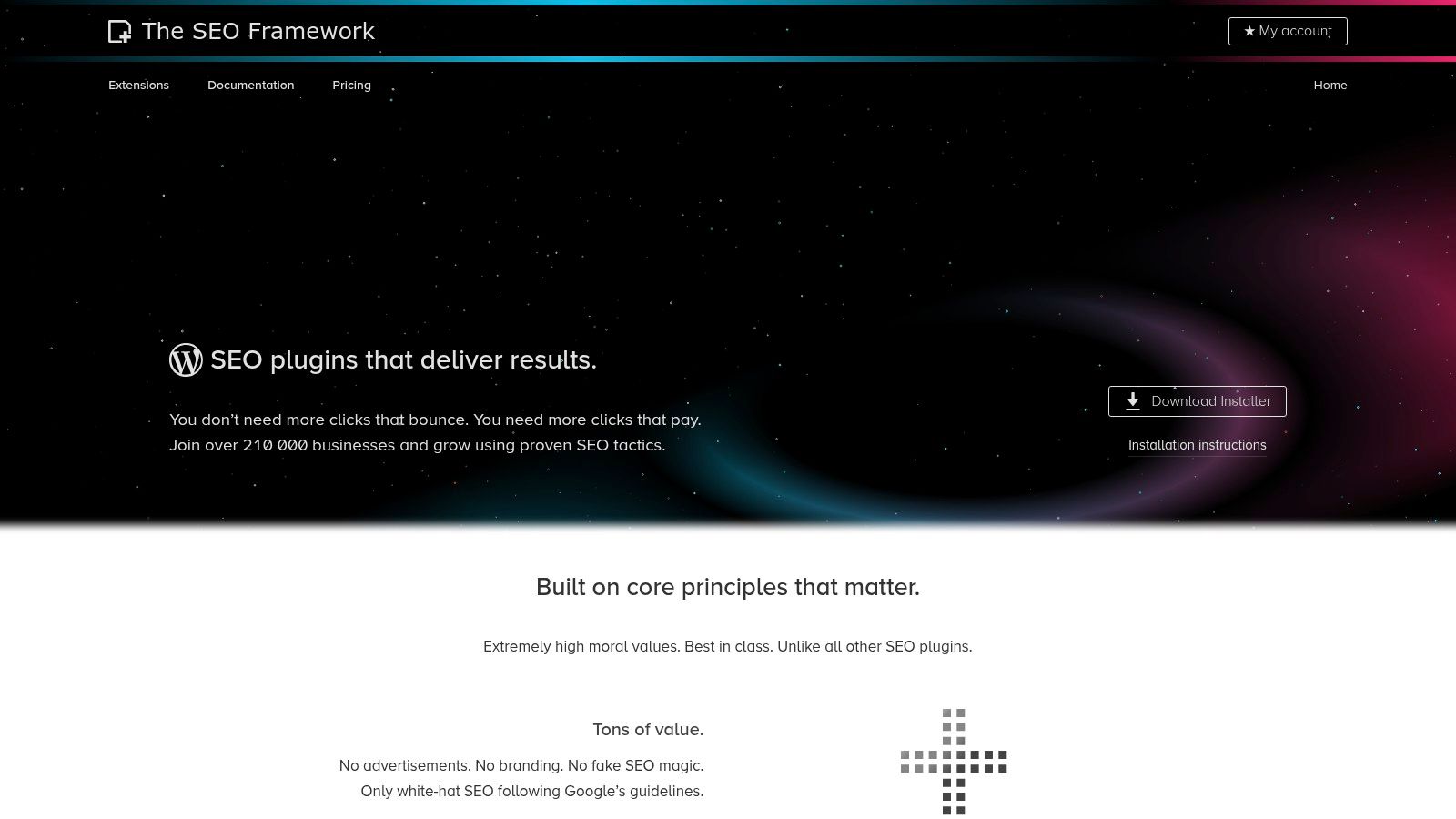
What makes The SEO Framework unique is its "set it and forget it" philosophy. It pre-configures everything intelligently upon activation, so it works perfectly out of the box for most sites. This makes it an excellent choice for users who want solid SEO foundations without the complexity.
Pro Tip: While the plugin is largely automated, take a moment to review its Global Settings. Here you can tweak homepage settings, social meta, and schema markup to ensure they perfectly align with your brand identity.
Key Features & Pricing
The core plugin is completely free and impressively capable. For more advanced needs, you can purchase individual extensions or get them all in a bundle, with plans starting at $7/month. This modular approach lets you add features like local SEO, AMP integration, and advanced monitoring without bloating your install.
- Pros:
- Extremely fast, lightweight, and performance-focused.
- No ads, nags, or upsells within the WordPress dashboard.
- Excellent for beginners due to its smart, automated configurations.
- Cons:
- The user interface is less visually guided than competitors like Yoast.
- Advanced features require purchasing premium extensions.
Website: https://theseoframework.com/
8. Slim SEO
If you find the feature-packed interfaces of other plugins overwhelming, Slim SEO is the breath of fresh air you’ve been looking for. This plugin is built on a “set it and forget it” philosophy, making it one of the most lightweight and straightforward SEO tools for WordPress. It automatically handles essential tasks like generating meta tags, creating an XML sitemap, and adding schema markup without requiring you to navigate through dozens of configuration menus.
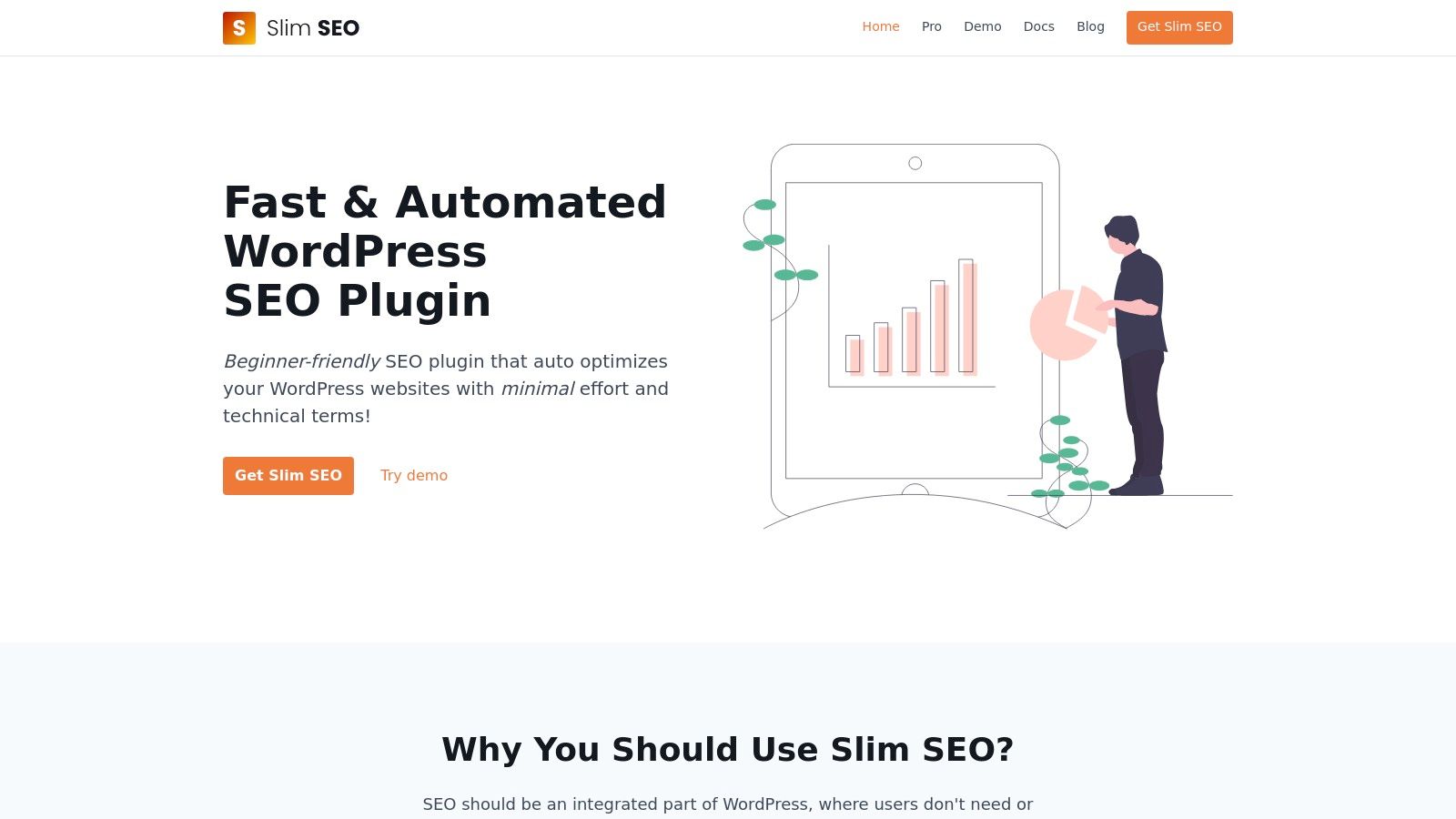
What makes Slim SEO truly unique is its commitment to minimalism and performance. It's designed for users who want solid SEO foundations without the bloat, making it perfect for small business owners or bloggers who would rather focus on creating content than tweaking settings. It works out of the box, instantly improving your site’s technical SEO baseline.
Pro Tip: While Slim SEO is fantastic for automation, you can still manually override meta titles and descriptions on individual posts and pages. Look for the Slim SEO meta box in the editor to make custom tweaks where they matter most.
Key Features & Pricing
Slim SEO is 100% free, offering all its core features without an upsell. For those who need more advanced capabilities, a premium version is available (starting at $49/year) which adds features like a redirect manager, local SEO, and more schema types.
- Pros:
- Extremely lightweight and fast, with no impact on site speed.
- Zero-configuration setup is perfect for beginners.
- 100% free for all core automation features.
- Cons:
- Lacks the advanced customization and deep analytics of larger plugins.
- Not ideal for seasoned SEO professionals who require granular control.
Website: https://wpslimseo.com/
9. SEMrush
While not a WordPress plugin itself, SEMrush is a powerhouse all-in-one SEO platform that pairs perfectly with any WordPress site. It’s the Swiss Army knife for digital marketers, providing deep insights into keyword research, competitor strategies, and backlink profiles. Its SEO Writing Assistant, which integrates with WordPress, brings its powerful content optimization suggestions directly into your editor.
What sets SEMrush apart is its sheer scope. It goes far beyond on-page tweaks, offering a comprehensive suite of tools for everything from PPC analysis to social media tracking. For those serious about scaling their SEO, it's one of the most robust SEO tools for WordPress users available, providing data you can't get from a simple plugin.
Pro Tip: Use the "Keyword Gap" tool to find valuable keywords your competitors are ranking for, but you aren't. This is a goldmine for discovering new content ideas and outmaneuvering the competition.
Key Features & Pricing
SEMrush offers tiered plans starting with the Pro plan at around $129.95/month. While there's no free version, they do offer a limited free account to explore some features. The platform is designed for users who need a comprehensive solution for tracking and improving their site’s performance. For more on tracking your site's performance, see this guide on how to track keyword rankings.
- Pros:
- An incredibly comprehensive suite of over 50 SEO and marketing tools.
- Excellent competitor analysis and market research capabilities.
- Powerful site audit tool to find and fix technical SEO issues.
- Cons:
- Can be quite expensive, especially for small businesses or solopreneurs.
- The sheer number of features can present a steep learning curve for beginners.
Website: https://www.semrush.com/
10. Ahrefs
While not a WordPress plugin itself, Ahrefs is an indispensable, all-in-one SEO platform that pairs perfectly with any WordPress site. It's the go-to tool for deep-dive analysis, providing some of the most accurate backlink and keyword data in the industry. For anyone serious about outranking competitors, Ahrefs offers the powerful insights needed to craft a winning strategy.
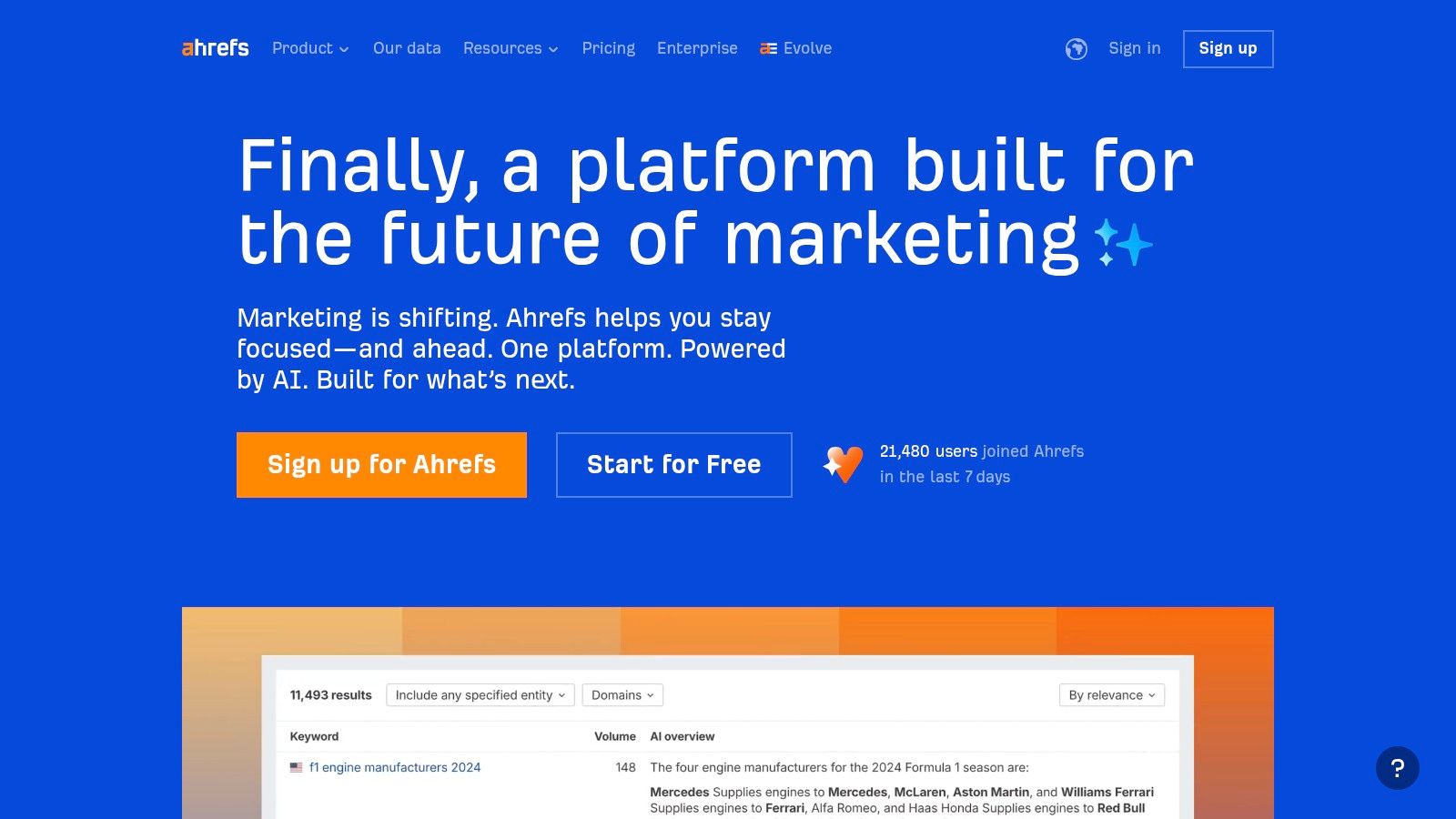
What makes Ahrefs a favorite among professionals is the sheer depth of its toolset. You can dissect a competitor's entire backlink profile with Site Explorer, discover untapped content ideas with Content Explorer, and perform a comprehensive technical SEO audit with Site Audit. It's one of the most powerful SEO tools for WordPress users looking to move beyond on-page basics.
Pro Tip: Use the "Content Gap" feature in Site Explorer to find keywords your competitors rank for, but you don't. This is a goldmine for discovering quick-win content opportunities for your WordPress blog.
Key Features & Pricing
Ahrefs operates on a premium subscription model, starting with the Lite plan at $99/month. While it’s a significant investment, the quality of data and the comprehensive features often justify the cost for businesses and agencies.
- Pros:
- Massive backlink index and highly accurate keyword data.
- Intuitive, user-friendly interface despite its powerful features.
- Consistently updated with new tools and reports.
- Cons:
- Premium pricing can be a barrier for small businesses or freelancers.
- The vast amount of data can be overwhelming for beginners.
Website: https://ahrefs.com/
11. Moz Pro
While not a WordPress plugin itself, Moz Pro is an essential external suite of SEO tools for WordPress users serious about climbing the search rankings. It's a comprehensive platform that covers everything from in-depth keyword research with its Keyword Explorer to tracking your backlink profile with the powerful Link Explorer. Its tools are known for being exceptionally user-friendly, making complex data accessible even to those who aren't full-time SEOs.

What makes Moz Pro a favorite is its focus on actionable insights and education. The platform doesn't just give you data; it helps you understand what to do with it. Beyond its specific features for keyword research and site audits, tools like Moz Pro are also instrumental in competitor analysis. For a comprehensive guide, explore how to analyze competitors.
Pro Tip: Pay close attention to Moz's Domain Authority (DA) metric. While it's not a Google ranking factor, it's an excellent industry benchmark for gauging your site's overall authority and comparing it to competitors.
Key Features & Pricing
Moz Pro operates on a subscription model, with plans starting at $99/month (or $79/month if billed annually). This provides access to the full suite of tools, although limits on keywords and crawls increase with higher-tier plans.
- Pros:
- All-in-one suite with a very intuitive and clean interface.
- Extensive educational resources and a strong community forum.
- Industry-standard metrics like Domain Authority are invaluable.
- Cons:
- Can be expensive for small businesses or solopreneurs.
- Some tools, like its site crawler, can feel less robust than dedicated competitors.
Website: https://moz.com/
12. Ubersuggest
Initially a free keyword research tool, Ubersuggest has evolved into a comprehensive, all-in-one SEO platform that remains incredibly accessible for beginners and small businesses. While not a WordPress plugin itself, it’s an essential companion tool for finding content opportunities and analyzing your site's performance. Its strength lies in presenting complex SEO data in a simple, visual, and easy-to-understand format, making it one of the most approachable SEO tools for WordPress users.
What makes Ubersuggest a standout is its affordability and user-friendly dashboard. It provides robust keyword suggestions, backlink analysis, and a site audit feature that can help you identify technical SEO issues on your WordPress site without a steep learning curve or a hefty price tag.
Pro Tip: Use the "Content Ideas" report in Ubersuggest to find top-performing articles for your target keywords. This is a goldmine for understanding what kind of content resonates with your audience and search engines.
Key Features & Pricing
Ubersuggest offers a limited free version and several affordable paid plans, starting at around $29/month. This makes it a great entry point into premium SEO analytics without the commitment of more expensive enterprise tools.
- Pros:
- Extremely affordable pricing model.
- Clean, intuitive interface perfect for beginners.
- Provides a good mix of core SEO features (keywords, audit, backlinks).
- Cons:
- Data and feature depth may not match high-end competitors.
- The backlink index can be less extensive than larger tools.
Website: https://neilpatel.com/ubersuggest/
SEO Tools for WordPress: Feature & Pricing Comparison
| SEO Tool | Core Features / Highlights | User Experience ★ | Value Proposition 💰 | Target Audience 👥 | Unique Selling Points ✨ |
|---|---|---|---|---|---|
| Yoast SEO | Real-time analysis, XML sitemaps, Google Console | ★★★★☆ (Easy for beginners) | 💰 Free & premium options | Beginners & pros | 🏆 Widely used, great docs & support |
| All in One SEO Pack | Meta tags, schema, local SEO, WooCommerce tools | ★★★★☆ (Beginner to advanced) | 💰 Premium can be pricey | Small businesses, e-commerce | ✨ Local SEO module, redirection manager |
| Rank Math | SEO analytics, rich snippets, social integration | ★★★★☆ (User-friendly) | 💰Strong free version | Bloggers, SEO pros | ✨ Extensive free features |
| SEOPress | Meta & sitemap management, previews, white labeling | ★★★★☆ (Some learning curve) | 💰 Affordable for unlimited sites | Agencies & advanced users | ✨ White label, unlimited site support |
| Squirrly SEO | AI goals, keyword research, live assistant, audits | ★★★★☆ (Engaging gamification) | 💰 Premium is pricey | Beginners & experts | ✨ AI-powered SEO lifecycle support |
| SmartCrawl | Automation, sitemap, analytics, Google Analytics | ★★★☆☆ (Simple & balanced) | 💰 Premium bundled | Beginners | ✨ Auto Google re-crawl prompts |
| The SEO Framework | Auto meta, Open Graph, lightweight, no ads | ★★★★☆ (Fast & simple) | 💰 Free with premium extensions | Beginners with speed focus | ✨ Ad-free, performance focused |
| Slim SEO | Auto tags, sitemaps, schema, no setup required | ★★★☆☆ (Minimal config) | 💰 Free version available | Beginners | ✨ Hands-off, minimalistic |
| SEMrush | Keyword & competitor research, audits, backlinks | ★★★★☆ (Comprehensive) | 💰 Premium plans costly | Advanced users & enterprises | 🏆 All-in-one SEO suite |
| Ahrefs | Site explorer, keyword & backlink analysis, rank track | ★★★★☆ (Professional) | 💰 Premium is costly | SEO pros & enterprises | 🏆 Extensive, accurate data |
| Moz Pro | Keyword/link explorer, site crawl, rank tracking | ★★★★☆ (User-friendly) | 💰 Premium plans expensive | SEO professionals | ✨ Strong community & resources |
| Ubersuggest | Keyword ideas, audits, backlink data, rank tracking | ★★★☆☆ (Easy for beginners) | 💰 Affordable pricing | Small businesses & beginners | ✨ Affordable all-in-one SEO tool |
So, Which SEO Tool Should You Choose?
Whew, that was a lot of information! We've journeyed through the robust world of the best SEO tools for WordPress, from foundational on-page plugins to powerful external research platforms. The sheer number of options can feel overwhelming, but the key takeaway is simple: there is no single “best” tool, only the best tool for you. Your perfect SEO setup depends entirely on your specific goals, your budget, and how hands-on you want to be.
Making the right choice starts with a clear understanding of your needs. Are you a solopreneur just starting out, or an established e-commerce business looking to dominate the search results? Your answer will guide you to the right combination of tools.
Building Your Perfect SEO Toolkit
Let's break it down into practical scenarios. The most effective strategy for nearly everyone is to pair a core on-page plugin with a comprehensive research and analytics suite. This creates a powerful synergy where your plugin handles the technical, on-site optimization, and your research tool fuels your content and link-building strategy.
Here are a few winning combinations based on common user profiles:
- For Beginners and Small Businesses: Start with a feature-rich free plugin like Rank Math or the user-friendly All in One SEO Pack (AIOSEO). Pair this with a tool like Ubersuggest for keyword research and competitor analysis. This combination gives you everything you need to build a strong SEO foundation without a significant financial investment.
- For Serious Bloggers and Marketers: If you're focused on content-driven growth, a robust plugin like Yoast SEO or SEOPress Pro is a solid choice. Combining it with a powerhouse like Ahrefs or SEMrush is the industry standard for a reason. This duo provides deep insights into backlinks, keyword opportunities, and content gaps, allowing you to execute a highly sophisticated strategy.
- For the "Set It and Forget It" Crowd: If you prefer a lightweight, no-fuss solution, plugins like The SEO Framework or Slim SEO are fantastic. They handle the essential technical SEO in the background without cluttering your dashboard, letting you focus purely on creating great content.
Final Thoughts on Implementation
Remember, these SEO tools for WordPress are just that: tools. Their true power is only unlocked when you use them consistently as part of a coherent strategy. Don't just install a plugin and expect magic. Use its on-page analysis to refine every post, use its sitemap feature to ensure proper indexing, and dive into your chosen research platform weekly to find new opportunities.
As you evaluate your options, don't be afraid to experiment. Most plugins have free versions, and many of the SaaS platforms offer free trials. Test them out, see which interface you prefer, and determine which feature set truly aligns with your workflow. For a more comprehensive look at various options and their features, you might also find value in exploring broader SEO tool comparisons. Ultimately, the best stack is the one you'll actually use to make informed decisions and drive meaningful traffic to your WordPress site.
Ready to supercharge your content strategy from the very beginning? RankHub helps you build comprehensive content briefs and outlines based on top-ranking competitors in minutes, not hours. Stop guessing and start creating content that's engineered to rank with RankHub.
More from Our Blog
The Top Influencer Marketing Platforms That Drive Real Results
Compare the best influencer marketing platforms for 2025. Find tools for creator discovery, campaign management, and ROI tracking tailored to your business.
Read more →
AI in Marketing: A Practical Guide for Teams Just Getting Started
Learn how AI transforms marketing with our beginner's guide. Discover practical uses, tools, and first steps to implement AI in your marketing strategy today.
Read more →
Market Research Platforms in 2026: What the Data Shows
Explore the latest data on online market research platforms: market size, AI adoption, mobile trends, and what researchers are investing in now.
Read more →