
So, you want to know where you stand on Google. The process is pretty straightforward: you can either pop open an incognito window and search manually, or you can use a tool like Google Search Console to get a clearer, more accurate picture. This shows you exactly where your site pops up when people search for your target keywords, giving you the real-world feedback you need on your SEO work.
Why Your Google Ranking Actually Matters
Before we get into the nuts and bolts of how to check your rank, let’s talk about why it's so important. Think of your Google ranking as your website's report card. It’s not just a vanity metric to brag about; it’s a direct measure of whether your SEO strategy is actually working and connecting with the people you want to reach.
Your ranking is essentially your digital storefront's location. A spot on the first page? That's prime real estate. Page two? You might as well be tucked away in a quiet alley. This isn't just a metaphor—it has a massive impact on your traffic and, ultimately, your bottom line.
The Power of Being at the Top
The difference between ranking number one and even number three is staggering. Let's look at the click-through rate (CTR), which tells the whole story.
The very first organic result on Google pulls in an average CTR of 39.8%. That means nearly four out of every ten people searching will click that link. That number gets slashed to just 18.7% for the second spot and craters to a tiny 1.6% by the time you get to the tenth position, according to research from First Page Sage.
That dramatic drop-off tells you everything you need to know: visibility is king. If you aren't in those top few spots, a huge chunk of your potential audience will never even see your link.
Watching your rank helps you see if your hard work is paying off. A jump from position eight to position four might not feel like a huge win, but it can easily double or even triple the traffic that a single keyword sends your way.
Figuring out how to check your Google ranking is just the first step. It gives you the raw data you need to spot problems, jump on opportunities, and make smarter decisions. By keeping an eye on your position, you can see if a rank drop lines up with a competitor's new campaign or if a rank increase is tied to that blog post you just published.
This feedback loop is crucial for fine-tuning all the different search engine ranking factors that determine your visibility and drive real business growth.
So, you want to see where you rank on Google. The obvious first step? Just type your keyword into the search bar and see where you pop up. Easy.
But hold on a second. What you see is almost certainly not what your potential customers see. Google knows you. It knows your search history, where you're located, and what device you're on. This is the personalization bubble, and it can give you a dangerously inflated sense of your actual ranking.
Because you visit your own website all the time, Google thinks, "Hey, they really like this site!" and bumps it up in your results. This is a classic trap that leads to a false sense of security.
How To Get a Real Look at Your Rankings
To get a more honest picture, you need to strip away that personalization. The best way to do this manually is to pop open a private or incognito window in your browser. This gives you a fresh start—no cookies, no search history—and a much less biased view of the search engine results page (SERP).
It’s simple to do:
- In Chrome, it’s "New Incognito window."
- In Firefox, look for "New private window."
- In Safari, you'll find "New Private Window" under the File menu.
Once you search, you're looking for your true organic position, ignoring the ads and map packs that often clutter the top of the page.
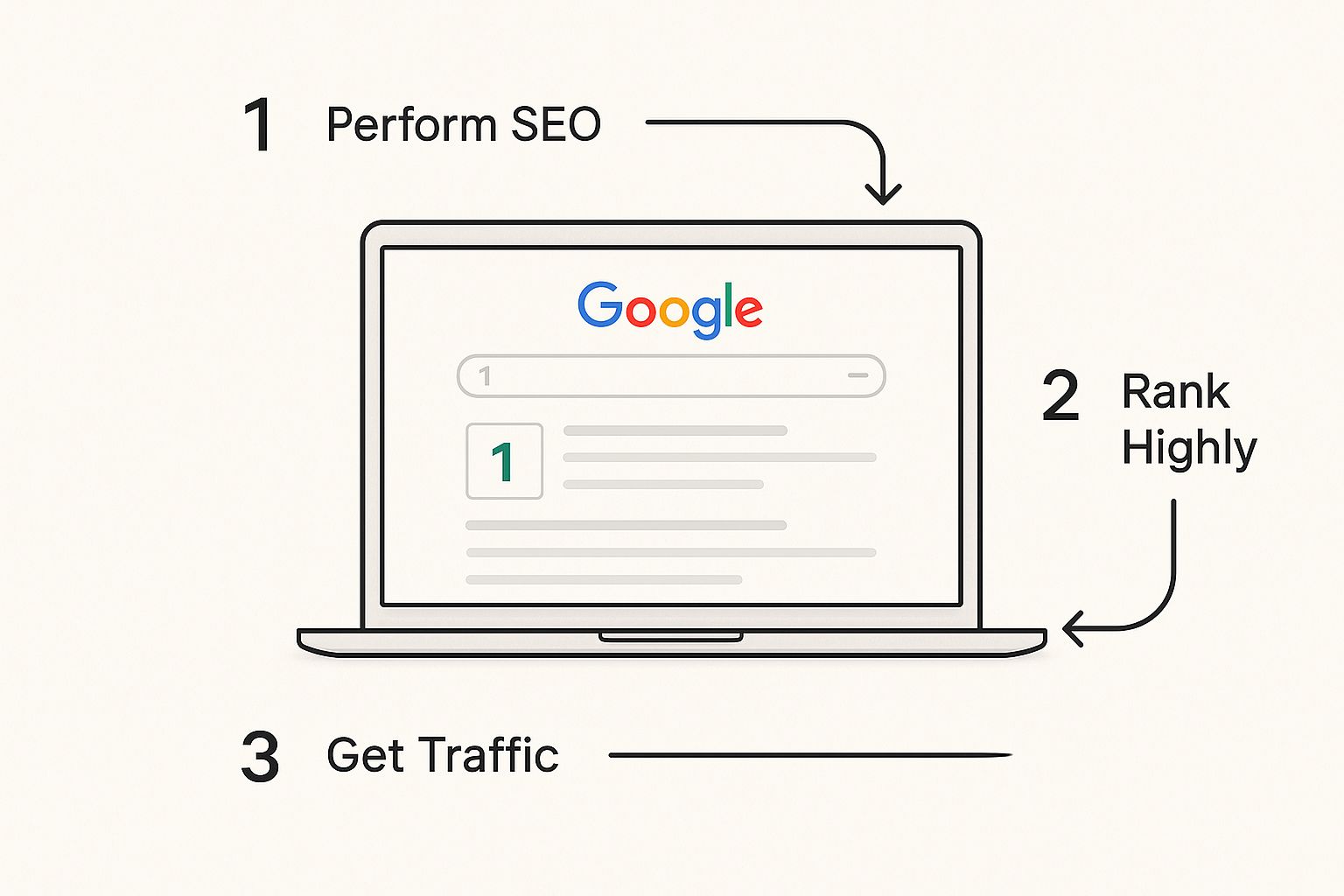
The catch? Even in incognito mode, Google still knows your physical location based on your IP address. Your results will still be localized, which might not be what you want.
Checking Your Rankings from Anywhere
What if your business serves customers in another city, or even another country? You need to know how you rank there, not just from your office. This is where you can manually tweak Google’s search settings to get a glimpse into other markets. It's a bit of a workaround, but it's a fantastic free trick.
Let’s say you run a marketing agency in Austin, but you're targeting clients in Denver. You’d want to check your rank for "small business SEO services" as if you were searching from Denver.
Here's how you do it:
- First, open that incognito window and search for your keyword.
- Scroll all the way to the bottom of the page. You'll see where Google thinks you are (e.g., "Austin, Texas - Based on your IP address").
- Click that location. You can then type in any city, state, or country you want to check from.
- Once you update it, the search results will refresh to show you what a user in that new location would see.
It's a clever way to spot-check your visibility in key target areas without paying for a fancy tool.
Comparing Manual Rank Check Methods
There are a few ways to manually check your rankings, each with its own quirks. Here's a quick breakdown to help you understand what you're actually seeing.
| Method | How It Works | Pros | Cons |
|---|---|---|---|
| Standard Google Search | Simply searching from your regular browser. | Fast and easy. | Highly inaccurate due to personalization (history, cookies, etc.). |
| Incognito/Private Mode | Uses a private browser window to remove search history and cookies. | Removes personalization from past behavior. More accurate than a standard search. | Still uses your IP address, so results are localized. |
| Incognito + Location Change | Uses a private window and manually changes the location in search settings. | Simulates a search from a different city or country. | The most accurate manual method, but cumbersome for many keywords. |
Ultimately, combining incognito mode with a location change is the best you can do without a dedicated tool.
This manual process isn't perfect, and it gets old fast if you're tracking more than a handful of keywords. But for a quick, free spot-check on your most important terms, it’s an invaluable way to get a truer picture of your Google visibility.
Mastering this gives you a much more realistic baseline. It’s a fundamental skill for anyone who's serious about understanding how they actually show up to the people who matter: their customers.
Using Free Tools for Smarter Rank Tracking
Doing a few manual searches is fine when you're just starting out, but it's not a real strategy. It’s slow, a bit unreliable, and you'll never see the full picture of what’s happening. When you're ready to get serious about checking your Google rankings, you need to bring in some tools. The good news? The best place to start is completely free.
Your absolute must-have is Google Search Console (GSC). I can't stress this enough. Think of it as a direct line to Google—it’s not giving you estimates, it’s giving you the cold, hard facts about how your site is performing in search. It’s the ground truth.
Unlocking Insights with Google Search Console
Once you've got your site verified in GSC, you'll want to live in the 'Performance' report. This is your command center. It shows you the exact queries people are typing in to find you, how many times your site appeared (impressions), how many clicks you got, and—most importantly—your average position for every single keyword.
Here’s a quick look at what that dashboard looks like. It’s clean and gives you a great high-level view right away.
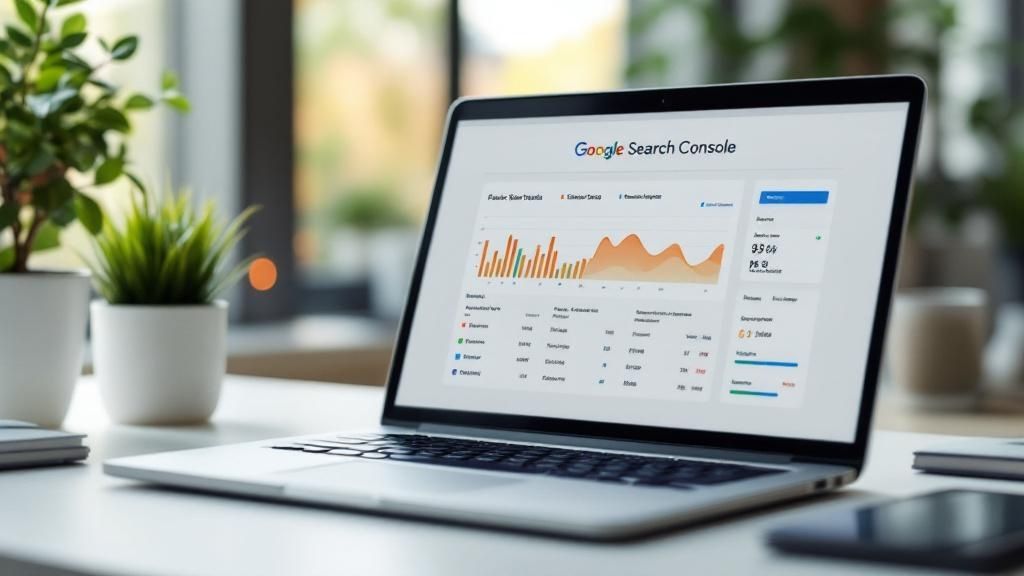
You can immediately see your total clicks and impressions, plus that all-important average ranking position. This is where you start spotting trends.
Let's make this real. Imagine you run a travel blog. You check GSC and see your article on "backpacking essentials for Southeast Asia" is getting a ton of impressions, but the clicks are depressingly low. You dig in and see its average position is 12.4. Ouch. Stuck on the second page.
This isn't bad news; it's a massive opportunity. A second-page ranking is Google telling you, "Hey, this content is relevant, but it's not quite good enough for the big leagues yet." For the blogger, the path forward is crystal clear:
- Spy on page one. What are the top-ranking articles doing that you aren't?
- Give the content a facelift. Maybe add more detailed gear reviews, update the prices, or embed a helpful video.
- Build some internal links. Point other relevant posts on your blog to this one to signal its importance.
You can only make these kinds of smart, surgical moves when you have the data from GSC. And getting onto that first page is everything. One study found that a measly 0.63% of searchers ever click on the second page. It's basically a dead zone.
Google Search Console doesn't just tell you where you rank; it points you to where your best opportunities are hiding. A keyword sitting at position 11 is low-hanging fruit. It often just needs a little nudge to jump onto page one and start pulling in serious traffic.
Other Reliable Free Rank Checkers
While GSC is the gold standard, sometimes you just need a quick, on-the-fly ranking check without logging into your whole dashboard. These tools are also perfect for a little friendly competitor research.
Here are a couple of trustworthy options I use:
- Ahrefs' Free Rank Checker: Couldn't be simpler. You pop in your domain, a keyword, and your target country, and it gives you an instant, unbiased rank. It's my go-to for a quick spot-check.
- Ubersuggest: Neil Patel's tool gives you a broader look. The free version shows you a list of keywords your site ranks for, their positions, and estimated monthly traffic. There are daily limits, but it’s fantastic for getting a quick overview.
These tools are great sidekicks to GSC. They use their own data to estimate rankings, which is handy for checking up on competitors, while GSC provides the definitive data for your own site.
By combining these free resources, you can build a surprisingly powerful, no-cost system for understanding your Google visibility. If you want to get more advanced with your monitoring, our guide on how to track keyword rankings can show you how to do it effectively over the long haul.
Investing in Professional Rank Tracking Software
Free tools are great for getting a quick snapshot, but if your business's growth hinges on SEO, you're going to hit a ceiling pretty fast. Manual checks and basic tools just can't deliver the daily, detailed, and large-scale data you need to compete at a high level. This is where investing in a professional rank tracking platform becomes a total game-changer.
Here's how I think about it: Google Search Console is fantastic for looking at what happened in the past. But dedicated software like Semrush, Ahrefs, or Moz Pro gives you a real-time, forward-looking view of the entire competitive battlefield.
When Is It Time to Upgrade?
So, how do you know when you've officially outgrown the free options? Honestly, the need usually slaps you in the face.
Maybe you're an e-commerce store trying to track thousands of product keywords across different cities. Or you're an agency that promised to deliver slick, automated ranking reports to clients every single week.
In situations like these, checking your Google ranking by hand isn't just inefficient—it's downright impossible. Paid tools put this whole process on autopilot. They can track hundreds or thousands of keywords every day, across different devices and locations, giving you a depth of insight you simply can't get any other way.
The real power of professional software isn't just about saving a ton of time. It's about unlocking strategic insights—like seeing how your rankings tanked or soared after a Google update, spotting a competitor suddenly climbing for a keyword you own, or understanding which SERP features you're winning (or losing).
Crucial Features That Justify The Cost
These professional platforms are so much more than simple rank checkers; they're complete SEO intelligence suites. They take you way beyond a simple position number to paint a full picture of your search visibility.
Here are the core features that make the investment a no-brainer:
- Historical Data: You can track your ranking performance over months or even years. This is huge because it lets you connect ranking shifts directly to your SEO campaigns or major events like Google algorithm updates.
- Competitor Tracking: Keep a close eye on your rivals' keyword strategies in real-time. See which terms they're gaining on you with and find gaps you can swoop in and exploit.
- Local and Mobile Tracking: This is absolutely essential for local businesses. Get granular data on how you rank on different devices and in specific zip codes, cities, or states.
- SERP Feature Analysis: Do you own the featured snippet? Are you showing up in the "People Also Ask" box? Are you in the local map pack? These SERP features are often more valuable than a standard #1 blue link ranking.
Just look at the dashboard below from Semrush. It gives you a quick, visual overview of your entire keyword profile, including your position distribution and visibility trends over time.
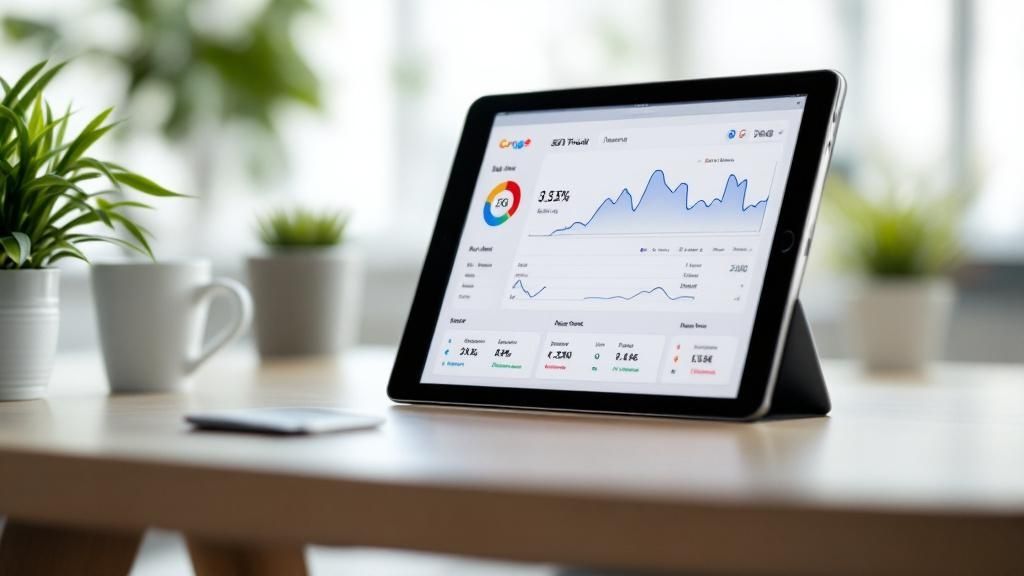
This kind of high-level view helps you diagnose the health of your SEO strategy in about 30 seconds, without ever having to get lost in a spreadsheet.
Choosing the Right Platform For Your Needs
The "best" tool really just depends on your specific goals. An agency managing 50 clients has wildly different needs than an in-house SEO focusing on a single brand. If you're looking for broader insights into how AI can boost your marketing efforts, which indirectly impacts your search visibility, it's worth exploring the different types of AI marketing software available.
When you're comparing platforms, don't just stare at the price tag. I always tell people to consider these three things:
- Accuracy: How reliable is the data, really? Look for tools with a strong reputation for accurate, fresh tracking.
- Scalability: Will this tool grow with your business? Check the limits on keywords, projects, and user seats.
- Reporting: How easy is it to create clean, white-labeled reports for clients or your boss?
When comparing the big players in the SEO space, it's helpful to see their features side-by-side. Each platform has its strengths, and what works for one team might not be the best fit for another.
Key Features of Paid SEO Platforms
| Feature | Semrush | Ahrefs | Moz Pro |
|---|---|---|---|
| Daily Keyword Tracking | Yes | Yes | Yes |
| Competitor Analysis | Extensive | Excellent | Strong |
| Local Rank Tracking | Yes (Zip Code Level) | Yes (City/Country) | Yes (City/Country) |
| SERP Feature Tracking | Comprehensive | Strong | Good |
| Historical Data Access | Excellent | Good | Good |
| Reporting & Automation | Highly Customizable | Flexible | User-Friendly |
This table gives you a quick reference, but the best way to choose is to take advantage of their free trials. Get your hands dirty and see which interface and data set feel right for you and your team.
Ultimately, investing in professional software is a major step up. It's the moment you go from casually checking your Google ranking to actively managing and shaping your search presence with precision and real confidence.
Turning Ranking Data Into an Action Plan
Alright, so you’ve figured out how to check your Google rankings. That’s step one. But staring at a list of numbers—#7 here, #23 there—is pretty useless on its own. The real magic happens when you turn that raw data into a smart, actionable game plan that actually grows your traffic.
Think of your ranking data as a story. It's all about spotting the trends and connecting the dots. Did your rank for "emergency plumbing services" tank right after a big Google algorithm update hit the news? Or did it jump up a few spots just after you refreshed the content on that page? Finding these connections is how you figure out what's working and what's not.
Analyzing Your Ranking Trends
First things first: forget about single-day snapshots. A #5 ranking today is meaningless if you don’t know where you were yesterday. Were you at #15 last month? Or did you just drop from the #2 spot? Context is king.
You need to start asking the right questions.
- What caused this change? Try to line up any big ranking shifts with things you did, like publishing a new cluster of blog posts, or things that happened outside your control, like a competitor launching a massive new campaign.
- Is this a one-off issue or a site-wide problem? If just one keyword took a nosedive, you probably have a problem with that specific page. But if a whole bunch of your keywords fell off a cliff at the same time, you might be looking at a bigger technical SEO issue or the fallout from an algorithm update.
- Are we actually beating the competition? Your rank doesn't exist in a bubble. Sure, you climbed from #7 to #6, which feels good. But if your main competitor shot from #10 to #3 in that same period, you’re still losing ground.
The goal here is to stop just watching your rank and start understanding the why behind it. Every little bounce, up or down, is Google giving you feedback on what it thinks about your site.
Looking Beyond the Blue Links
In today's Google, a simple "blue link" ranking isn't the only prize on the page. You've got to keep an eye on all the other ways you can show up in the search results—what we call SERP features. Honestly, sometimes these can get you more clicks than a standard organic listing.
This has become even more important with Google integrating AI into its results. As of early 2025, those AI Overviews are showing up for about 13.14% of all searches. And here's the kicker: a whopping 52% of the websites cited in those AI summaries also rank on the first page. This tells us there's a huge connection between solid, traditional SEO and getting featured in these new formats. You can dig into more of these Google Search statistics on Semrush.
Once you've dug into your ranking data, a detailed Shopify SEO Audit Guide can be a lifesaver, giving you a clear roadmap to fix what's broken and climb higher, especially if you're running an e-commerce store.
And when it’s time to present your findings, check out our guide on creating an SEO report that your boss or client will actually understand. It helps you turn all this data into a clear plan of attack.
Got Questions About Google Rankings? Let's Unpack Them
When you first start tracking your Google rankings, a bunch of questions inevitably pop up. It's totally normal. Let's tackle some of the most common ones I hear so you can monitor your SEO with more confidence.
How Often Should I Actually Check My Rankings?
It's tempting to check every day, but that's usually a recipe for anxiety. For your most valuable keywords—the ones that are the lifeblood of your business—checking once a week is a solid routine. This gives you enough data to spot real trends without getting lost in the daily noise.
For the rest of your keyword list, a monthly check-in is plenty. The only time daily checks make sense is if you've just launched a massive site update, a big marketing campaign, or you're fighting for position in a hyper-competitive niche.
Why Do My Rankings Look Different in My Browser vs. a Tool?
This is a classic, and the answer is personalization. Google knows you. It knows your location, your search history, the articles you've clicked on before, and what device you're on. The search results you see are tailored to what it thinks you want to find.
SEO tools, on the other hand, give you a clean, impartial view. They check rankings from a neutral standpoint (often letting you specify the location), which shows you what a typical searcher sees. Always trust the objective tool over your own personalized browser results.
Help! My Ranking Dropped Off a Cliff. What Do I Do?
Okay, first rule: don't panic. Rankings fluctuate. It happens. Before you do anything drastic, run through a quick checklist.
First, see if there was a major Google algorithm update. The SEO community is usually buzzing about these. Next, pop into your Google Search Console. Look for any manual penalties or crawl errors—Google will tell you directly if there's a major problem.
Also, look outside your own site. Did a major competitor just launch a killer new piece of content for that keyword? Sometimes, it's not you; it's them. Many factors can sway your Google ranking, especially for brick-and-mortar businesses where things like local search signals are huge. If you want to learn more, you can delve deeper into local SEO strategies.
If the drop persists for more than a week, then it's time for a deeper dive into your page's technical health and content quality.
Stop guessing and start getting actionable SEO insights. RankHub analyzes your entire website in under a minute to uncover your best keyword opportunities. Try it now at https://www.rankhub.ai.
More from Our Blog
7 Content Writing Tools That Boost Your SEO Rankings
Discover the top 9 SEO content writing tools to automate drafting, optimization, and publishing. Boost rankings with AI-assisted workflows.
Read more →
Zoho Marketing Automation Explained: Is It Right for You?
Compare Zoho Marketing Automation vs HubSpot on pricing, features, ease of use, and automation depth. See which wins for small teams and solo founders.
Read more →
Looking for an SEO Company? Here Are Your Best Options
Compare top SEO companies, AI platforms, and agencies. Find the best fit for your budget, from $49/month tools to full-service retainers.
Read more →