
So, you want to see where your keywords are actually ranking? The easiest way is to use a dedicated SEO tool. I'm a big fan of RankHub for this because it's so straightforward. You just pop in your domain, add the keywords you're aiming for, and it gets to work.
The tool then scans the search results for your specific location and device type, giving you a clear picture of your current positions.
Why You Can't Afford to Ignore Your Keyword Rankings
Look, knowing where your content lands in Google isn't just about stroking your ego. It's one of the most vital signs for your entire SEO strategy. It tells you what's hitting the mark and, more importantly, where you're falling flat.
If you’re not tracking your rankings, you’re basically flying blind. You have no real idea which blog posts, landing pages, or product descriptions are actually bringing people to your site.
Think about it this way: research shows that a whopping 70% of all clicks happen in the first five organic search results. That's a massive piece of the pie. If you're not on that first page, you're practically invisible. This is exactly why you need to be obsessed with your rankings. If you're curious, you can dive into more of these useful SEO statistics to get the full picture.
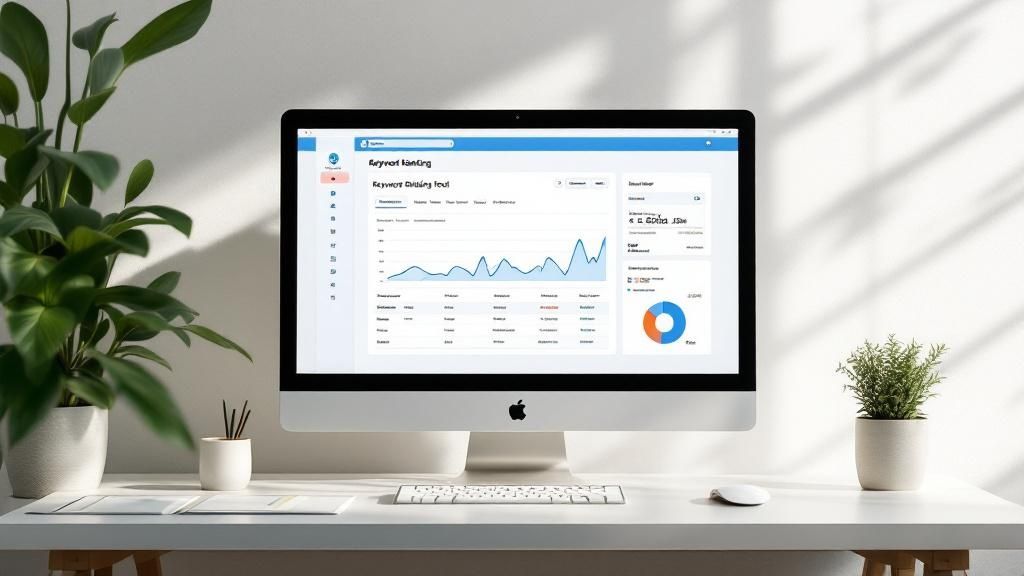
A good dashboard, like the one RankHub offers, gives you a quick, visual summary of how you're doing.
You can instantly see things like your average position and how many keywords are in the top 3, top 10, and so on. This makes it super easy to spot trends and find new opportunities without getting buried in spreadsheets.
Comparison Of Top Rank Tracking Tools
Alright, so you know you need a tool, but which one? The "best" one really boils down to your specific needs, budget, and what you're comfortable with. Some people need a simple, dedicated tracker, while others want a full-blown SEO suite.
To help you get a feel for what's out there, here's a quick comparison of some of the heavy hitters.
| Feature | RankHub | Google Search Console | SEMrush | Ahrefs |
|---|---|---|---|---|
| Primary Use | Rank Tracking | Performance Analysis | All-in-One SEO | All-in-One SEO |
| Cost | Pay-as-you-go | Free | Subscription | Subscription |
| Accuracy | High (Daily Scans) | Average Position | High (Daily Scans) | High (Daily Scans) |
| Competitor Tracking | Yes | No | Yes | Yes |
As you can see, Google Search Console is a fantastic (and free!) starting point, but it only gives you average positions, not the daily, specific rankings you get from paid tools. RankHub is built for one job—tracking rankings—and it does it well with a flexible pricing model. On the other hand, tools like SEMrush and Ahrefs are the Swiss Army knives of SEO, offering rank tracking as part of a much larger, and more expensive, package.
Why Tracking Your Keyword Rankings Is Still a Big Deal
Before we get into the nitty-gritty of the tools, let's talk about why you should even bother checking your keyword rankings. Honestly, if you're serious about SEO, this isn't optional. In this game, if you don't measure it, you can't improve it. Tracking your keyword positions is like having a GPS for your content strategy.
It tells you what’s hitting the mark and, just as importantly, where your competitors might be sneaking past you. This isn't about chasing vanity metrics; it's about seeing a direct line from your search performance to real business results.
Small Ranking Shifts Make a Huge Difference
You might be surprised by how much a tiny jump in the rankings can affect your traffic. Moving from position six up to position three for a keyword that matters can easily double your organic clicks. It's that dramatic.
When you track these movements, you can connect the dots between your actions—like publishing that new blog post or refreshing some old content—and the results you see on Google. It’s the proof in the pudding that your hard work is actually working.
If you ignore these shifts, you're flying blind. You'll have no idea if that content update was a home run or if a competitor just dropped a killer campaign that knocked you down a few pegs.
Tying Rankings Back to Your Business Goals
At the end of the day, tracking your rankings is about staying sharp and adapting your game plan. The competition is fierce—the global SEO market hit $82.3 billion in 2023 and is expected to rocket to $143.9 billion by 2030. You can dig into more stats about the growth of the SEO market on seranking.com.
Keeping a regular eye on your keyword performance helps you:
- Spot Easy Wins: Find keywords that are lingering on page two and figure out how to give them that final push onto page one.
- Troubleshoot Traffic Dips: When your traffic suddenly drops, a quick rank check can tell you if a keyword slip is the culprit.
- Calculate Your Content ROI: See which articles and pages are pulling their weight and bringing in the most valuable search traffic.
Try to think of it less as an obsession with numbers and more as a vital health check for your entire online presence.
Setting Up Your First Tracking Project in RankHub
Diving into a new SEO tool doesn't have to be a headache. Getting started with RankHub is actually pretty painless. The first thing you'll do is plug in your website's domain—this is your home base, where all the tracking data will be anchored.
With the domain set, it's time for the important part: adding your keywords. Don't just throw a massive, messy list at it. Think strategically. What are the key terms that actually bring in business? I always recommend starting with your "money" keywords, the ones people use when they're ready to buy. For example, a photographer in Hawaii might focus on a high-intent phrase like "elopement photographer in maui."
This is all about telling the system what really matters to your bottom line.
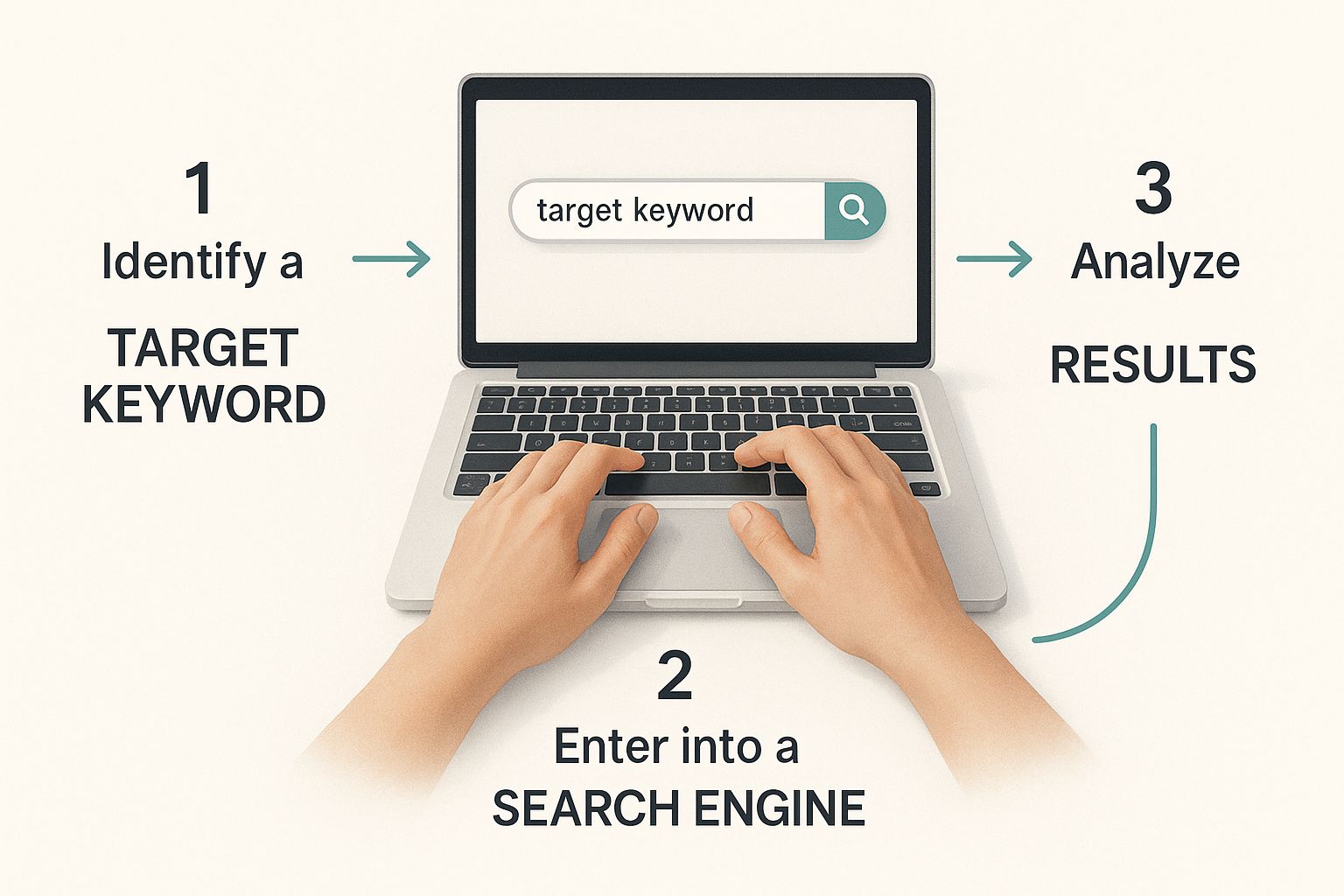
You're essentially giving RankHub its marching orders, focusing its efforts on the phrases your best customers are already searching for. Getting this right from the start is crucial for accurate rank checking.
Fine-Tuning Your Tracking Settings
Okay, your keywords are in. Now you need to dial in the settings. This is where you tell RankHub exactly how and where you want it to look. If you skip this or get it wrong, you’ll be working with skewed data, which is pretty much useless.
For local businesses, this is non-negotiable. If you're a roofer in Austin, Texas, you don't care about your rankings in Portland, Oregon. You have to specify your exact city or service area to get a true picture of your visibility.
Pro Tip: Always, and I mean always, track mobile and desktop rankings separately. Mobile searches make up over 60% of all search traffic now, and rankings can be wildly different between devices. If you're only looking at desktop, you're flying blind with the majority of your audience.
The setup screen is where you'll make all this happen. You get to define the search engine, language, location, and device. Lock in these details, and you'll get clean, relevant reports every time, giving you a dashboard full of insights you can actually use.
Making Sense of Your Keyword Ranking Reports
Alright, so you've got everything set up and the data is starting to pour in. Staring at a dashboard full of colorful charts and numbers can be overwhelming, but this is where the magic happens. It's time to turn that raw data into a real SEO strategy.
The first thing I always do is look at the big picture—the overall trend. A single day's performance doesn't tell you much. What you're looking for is a steady climb for a cluster of related keywords, maybe all tied to a specific service you offer. That's a huge win. It’s solid proof that your content strategy is resonating with Google and building authority.
On the other hand, if you see a sudden, steep drop across several important keywords, it's time to investigate. Don't sweat a one-position dip; that's just normal fluctuation. But falling from page one to page three overnight? That’s a serious red flag. To really get the most out of these reports, you have to master data analysis techniques so you can spot these patterns and act fast.
It’s More Than Just a Number
Knowing you’re sitting at position #7 is useful, but it’s only one piece of the puzzle. To really understand what that ranking means for your business, you need to dig a little deeper. Thankfully, most modern tools give you that extra context.
Here are a couple of other metrics I always check:
- Visibility Score: Think of this as your overall share of voice in the search results. It's usually a percentage, and seeing it go up means you're becoming a bigger player for your tracked keywords, even if some individual rankings bounce around.
- Estimated Traffic: This is a projection of how many clicks your ranking is likely bringing in, based on search volume. It’s a fantastic way to figure out which keywords are worth pouring more effort into. A high-ranking keyword with zero search volume isn't doing you much good.
Don't Forget to Check Desktop vs. Mobile
I can't stress this enough: never assume your desktop and mobile rankings are the same. They're often wildly different. I've seen clients who were thrilled with a #3 ranking on desktop, only to find out they were buried on the second page for mobile searches. This almost always points to a clunky mobile experience or a technical hiccup that Google is penalizing.
Your report should let you filter by device. If you spot a big difference between your desktop and mobile performance, that’s your cue to immediately run a mobile-friendliness audit. Honestly, learning how to interpret this kind of data is a crucial part of knowing how to track keyword rankings properly.
Finally, always bring it back to user intent. Long-tail keywords and queries that show clear intent are the backbone of good SEO. It makes sense when you consider that over 52% of Google keyword searches are informational—people are looking for answers, not just products. This really drives home why you need to watch the rankings for your blog posts and guides, as that's often how people first discover you.
Avoiding Common Rank Tracking Mistakes

Look, everyone makes mistakes when they first start tracking keywords. It's practically a rite of passage in SEO. The idea isn't to be perfect right out of the gate, but to sidestep the classic blunders that'll have you spinning your wheels.
One of the biggest is obsessively checking your rankings every single day. Google’s results are always bouncing around, and seeing a keyword drop from position #4 to #6 overnight is usually just statistical noise. If you panic and start making changes based on these tiny fluctuations, you'll drive yourself crazy for no good reason.
Of course, the opposite is just as bad. Checking only once a month means you could miss a serious ranking drop for weeks, long after the damage is done. My advice? Stick to a weekly check-in. It’s the perfect cadence to spot meaningful trends without getting bogged down by the daily chaos.
Focusing on Vanity Metrics Instead of Growth
Here's another one I see all the time: chasing the wrong keywords. It’s so tempting to go after those massive, high-volume terms like "wedding photographer," but they're often way too broad and competitive to bring in actual clients.
Instead, zero in on keywords that scream intent. If you're a photographer based in Maui, tracking a term like "maui elopement packages" is a million times more valuable. Sure, the search volume is lower, but the people searching for it are ready to book. That's what drives real business growth.
A keyword's value isn't just its search volume; it's the intent behind it. Ranking for a term that your ideal customer uses right before they decide to buy is infinitely more powerful than ranking for a broad, informational query.
Ignoring Local and Device Differences
Forgetting to set your location is a massive oversight, especially for local businesses. Your ranking in Los Angeles is completely irrelevant if all your customers are in Chicago. Always, always configure your tracking tool for the specific city or region you actually serve.
And please, don't treat mobile and desktop rankings as the same thing. They're not. With over 60% of all searches now happening on mobile devices, you have to track both. A stellar desktop rank doesn't mean much if your mobile site is clunky and you're buried on page five for phone users.
Using the right keyword tracking software is a game-changer here. It lets you easily slice and dice this data so you can get a clear, accurate picture of how you're really performing everywhere that matters.
Common Questions About Checking Rankings
As you start getting into the rhythm of checking your keyword rankings, you'll notice a few questions always seem to come up. Let's tackle them right now with some straight-up answers to help you stay on track.
One of the first things people ask me is, "How often should I be checking my rankings?" It's so easy to get obsessed and hit refresh every day, but honestly, that's just a fast track to getting stressed out. Rankings jump around all the time.
My advice? A weekly check-in is the sweet spot. It's frequent enough to catch any real trends but not so often that you get bogged down by the minor, day-to-day fluctuations that don't mean much.
How To Handle Geographic and Device Differences
Another biggie is dealing with different locations and devices. If your business serves customers in multiple cities, you absolutely have to track your rankings in each of those specific areas. Your #1 spot in Dallas is completely irrelevant to someone searching from Denver.
And don't forget about mobile! Over 60% of searches happen on a phone now, and the search results can look wildly different from what you see on a desktop. I've seen a photography business rank #2 on desktop for "maui elopement photographer" but be buried on page two for mobile searches, usually because their site wasn't great on a phone.
Key Takeaway: Always split up your tracking by both location and device. If you don't, you're looking at a blurry, incomplete picture of how you're really performing and likely missing out on huge optimization wins.
Setting Up Smart Alerts and Understanding the Data
You don't have to glue your eyes to the screen waiting for a drop. Most solid rank trackers, including RankHub, let you set up automated alerts.
A pro tip I always use is to create an alert for any of my top-10 keywords that drop more than five positions. This way, I get a heads-up about a real problem without having to live inside my SEO tool all day.
This kind of proactive setup lets you focus on the bigger picture instead of just reacting to every little change. If you want to go even deeper, check out our complete guide on how to check your Google ranking for some more advanced strategies. At the end of the day, good rank tracking is all about finding a rhythm that gives you insights you can actually use—not just more data to stress over.
Ready to stop guessing and start getting clear, accurate data on your keyword performance? RankHub gives you the tools to track rankings, analyze competitors, and uncover new opportunities in minutes. Start your journey with RankHub today!
More from Our Blog
7 Content Writing Tools That Boost Your SEO Rankings
Discover the top 9 SEO content writing tools to automate drafting, optimization, and publishing. Boost rankings with AI-assisted workflows.
Read more →
Zoho Marketing Automation Explained: Is It Right for You?
Compare Zoho Marketing Automation vs HubSpot on pricing, features, ease of use, and automation depth. See which wins for small teams and solo founders.
Read more →
Looking for an SEO Company? Here Are Your Best Options
Compare top SEO companies, AI platforms, and agencies. Find the best fit for your budget, from $49/month tools to full-service retainers.
Read more →