
Diving into the world of SEO can feel like trying to drink from a firehose. You know you need to improve your site's visibility on Google, but the sheer number of strategies, metrics, and tasks is overwhelming. That's where the right software comes in. This guide cuts through the noise to showcase the best SEO tools for beginners, helping you find the perfect platform for your specific needs without the steep learning curve.
We'll move beyond generic feature lists and marketing fluff. Instead, you'll get a practical look at what it’s actually like to use these tools. We will cover everything from foundational platforms like Google Search Console to comprehensive suites like Semrush and Ahrefs, breaking down their core functions, ideal use cases, and honest limitations. You'll learn how to tackle keyword research, track your rankings, analyze competitors, and fix technical site issues.
Getting started with SEO tools often involves optimizing various content types. Beyond general website structure, consider specific strategies for optimizing blog posts for search engines to maximize your impact. Each tool in our list includes screenshots and direct links, so you can see exactly how it works and get started immediately. Let's find the right tools to build your SEO foundation.
1. RankHub
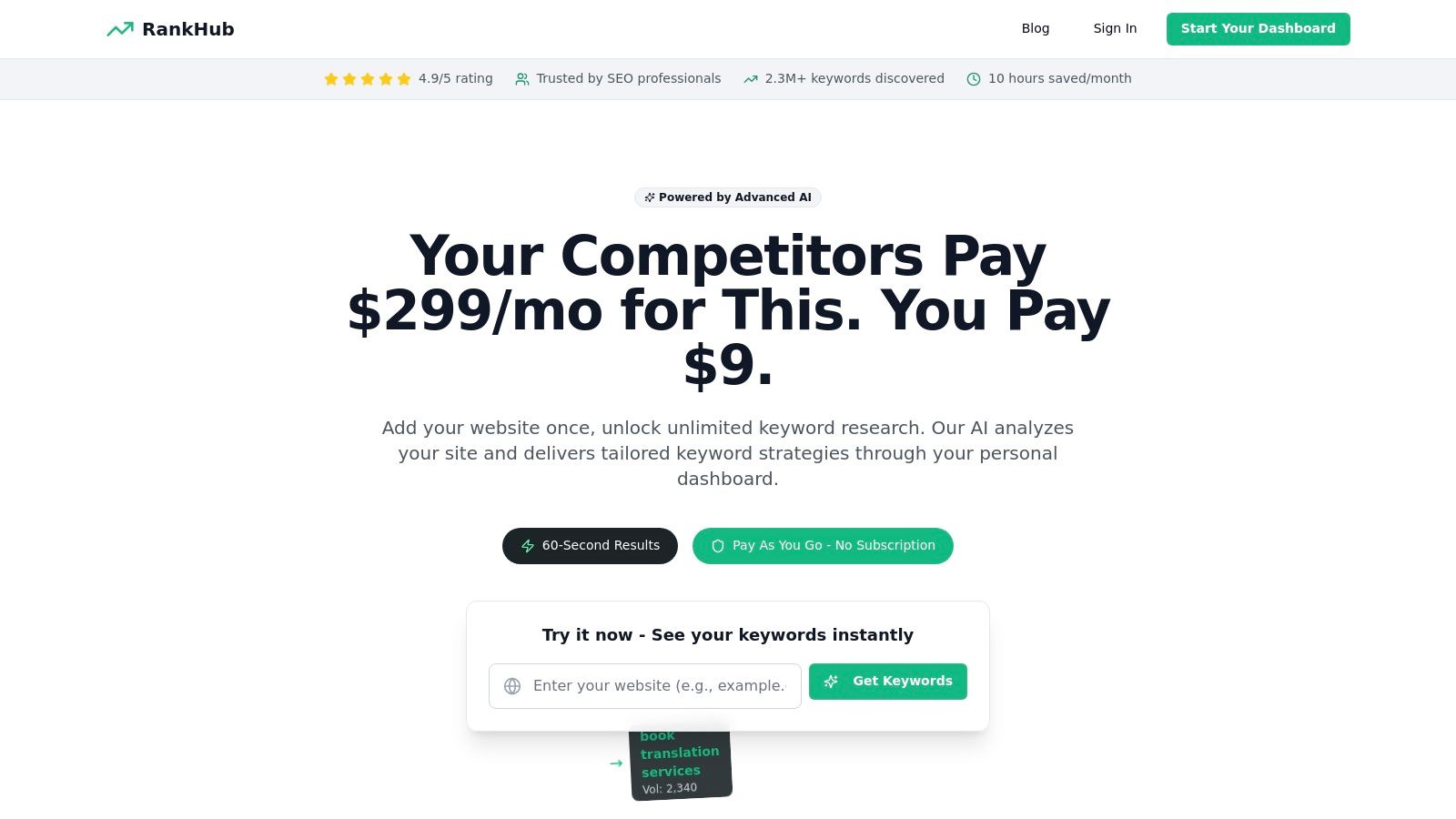
RankHub stands out as a premier choice among SEO tools for beginners by tackling one of the most intimidating tasks head-on: keyword research. Instead of forcing you through a steep learning curve with complex dashboards and manual data sifting, RankHub uses AI to automate the entire process. In about 60 seconds, it analyzes your website, identifies your competitors, and generates a clean, relevant list of keyword opportunities, saving you hours of guesswork.
This platform is uniquely designed for those who need powerful results without the complexity or high cost of traditional enterprise tools. Its AI-driven approach intelligently filters out irrelevant terms and pinpoints gaps in your competitors' strategies, giving you a clear roadmap for content creation. This makes it an incredibly efficient tool for small businesses, solopreneurs, and marketing teams looking to make a significant impact quickly.
Key Features & Why It’s a Game-Changer
What truly sets RankHub apart is its accessibility and efficiency. The platform’s core strength lies in its AI-powered Auto Research, which provides a comprehensive, site-wide keyword strategy with minimal input. You simply enter your domain, and the AI does the heavy lifting.
- Pay-As-You-Go Model: A major win for beginners and small businesses. Instead of a costly monthly subscription, you buy credits that never expire. Plans start at just $9.99, making advanced SEO accessible on any budget.
- Centralized Dashboard: Easily manage multiple websites from one place. This is perfect for freelancers or agencies handling several clients, allowing you to track research history and switch between projects seamlessly.
- Intelligent Filtering: The AI doesn't just find keywords; it understands context. It automatically removes branded terms and irrelevant suggestions, leaving you with high-value opportunities you can act on immediately.
- Practical Tip: Once you have your keyword list, the real work of content creation begins. It's crucial to monitor how your new content performs. For a deeper dive into this, you can learn more about how to track your keyword rankings on RankHub's blog.
Pros & Cons
| Pros | Cons |
|---|---|
| Instant Results: AI delivers keyword research in about 60 seconds. | Strategic Interpretation Needed: The AI provides the data, but you still need to build the strategy. |
| No Subscriptions: Flexible pay-as-you-go credits that never expire. | Credit Planning: High-volume users may need to plan credit usage to optimize costs. |
| Beginner-Friendly: Extremely easy to use with no steep learning curve. | |
| High-Quality Support: 24/7 chat support and a 30-day money-back guarantee provide peace of mind. |
For anyone new to SEO, RankHub removes the biggest barriers to entry: complexity and cost. It delivers actionable, data-driven insights that empower you to compete with established players without needing a dedicated SEO expert on your team.
Website: https://www.rankhub.ai
2. Semrush
If you're looking for an all-in-one powerhouse that still manages to be one of the best SEO tools for beginners, Semrush is a top contender. It can feel like a lot at first, but its guided project setups and extensive learning resources are designed to walk you through everything from a technical site audit to tracking your keyword rankings.
What truly makes Semrush stand out for newcomers is its "project-based" approach. When you add your website, it prompts you to set up core tools like Site Audit and Position Tracking, providing step-by-step guidance. This structured workflow prevents you from getting lost in a sea of data. The Keyword Magic Tool is also fantastic for finding related keywords and questions people are actually searching for.
Key Info & Use Cases
- Best For: Competitor analysis and guided SEO workflows.
- Getting Started: The "On Page SEO Checker" gives you concrete, actionable ideas to improve specific pages on your site, from content length to which keywords to add.
- Pricing: Starts with a limited free account. Paid plans begin at the "Pro" tier, which is pricier than some entry-level options, but offers a comprehensive suite.
- Pro Tip: Use the "Domain Overview" to plug in a competitor's URL. You'll get an instant snapshot of their top keywords, traffic sources, and backlinks, which is an invaluable starting point for your own strategy.
3. Ahrefs
While often seen as a tool for seasoned pros, Ahrefs has become one of the most accessible SEO tools for beginners thanks to its generous free offerings and incredible educational resources. It's legendary for its backlink data, but its true value for a newcomer lies in the clarity and actionability of its insights.
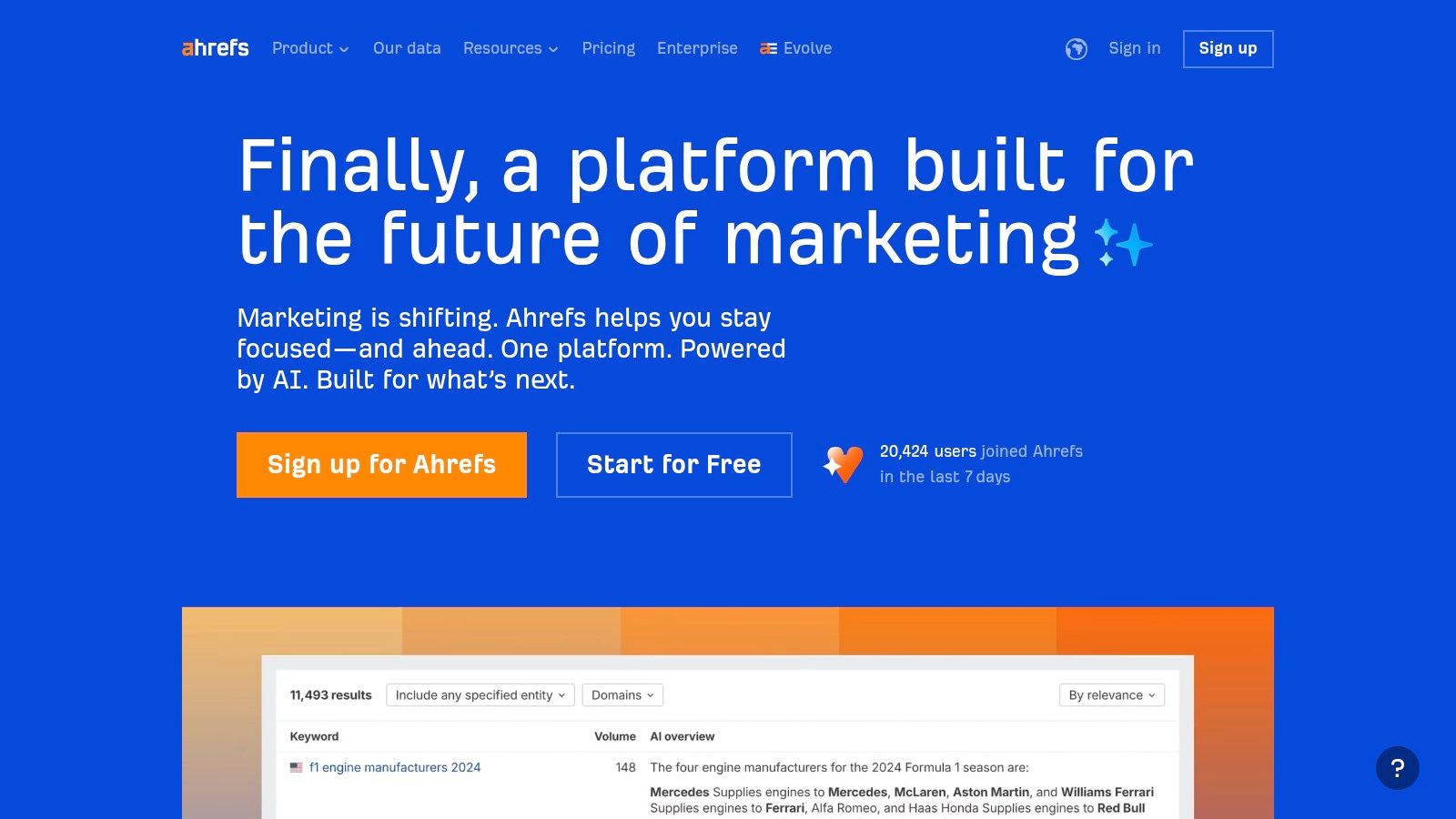
The free Ahrefs Webmaster Tools (AWT) is a game-changer, giving you full access to its powerful Site Audit and Site Explorer for your own verified websites. This means you can identify technical issues and see all your backlinks and ranking keywords without paying a cent. The platform’s YouTube channel and blog are also goldmines for learning the fundamentals of SEO.
Key Info & Use Cases
- Best For: High-quality backlink analysis and free technical site audits for your own site.
- Getting Started: Sign up for the free Ahrefs Webmaster Tools and run a "Site Audit." It will crawl your website and provide a prioritized list of issues with clear explanations on how to fix them.
- Pricing: Ahrefs Webmaster Tools is completely free for your own sites. Paid plans are available for competitor research and expanded limits, but the usage-based credit system can be a bit confusing at first.
- Pro Tip: Use the "Content Gap" feature within Site Explorer to compare your page against several top-ranking competitors. It instantly reveals keywords they rank for that you don't, giving you a ready-made list of content ideas. For a deeper dive, you can explore how to conduct a competitor analysis in SEO.
4. Moz Pro
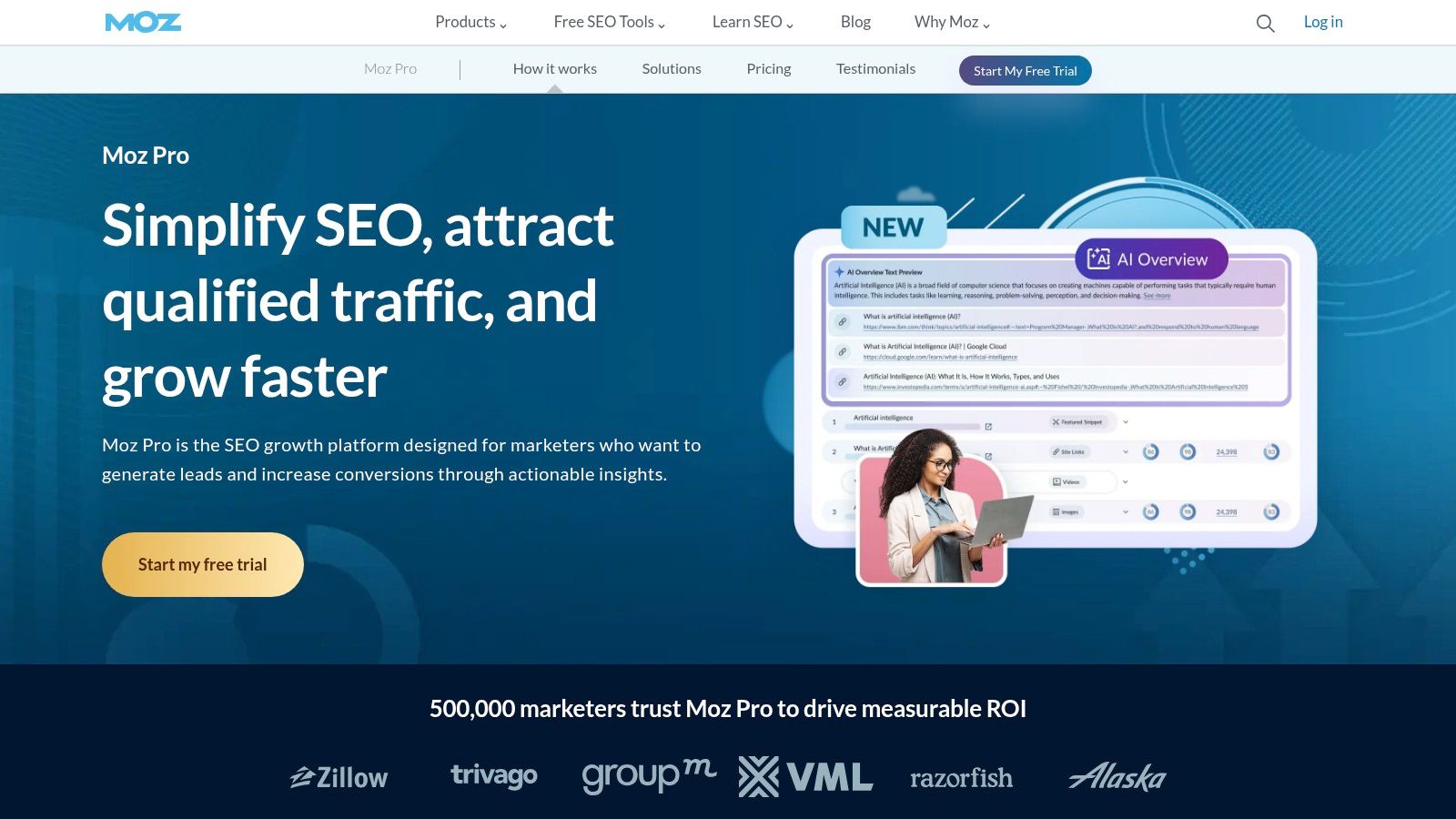
Moz Pro has long been a go-to choice for those just dipping their toes into the world of SEO, and for good reason. It’s one of the most approachable yet powerful SEO tools for beginners, wrapping sophisticated data in a clean, easy-to-navigate interface. The platform excels at making complex concepts like "Domain Authority" understandable and actionable, helping you focus on what matters without overwhelming you.
Where Moz Pro truly shines for newcomers is its commitment to education. Its campaign-based setup guides you through tracking keywords, auditing your site, and analyzing your backlink profile. The Keyword Explorer is particularly user-friendly, offering simple metrics and suggestions. Plus, access to the Moz Academy and a supportive community means you’re not just getting a tool, you’re getting a learning resource.
Key Info & Use Cases
- Best For: Foundational SEO education and core metric tracking.
- Getting Started: Install the free MozBar browser extension. It gives you an instant on-page SEO analysis of any webpage you visit, including your competitors, making it a fantastic learning aid.
- Pricing: Offers a 30-day free trial. Paid plans are competitively priced, though lower tiers have stricter limits on keywords and crawls compared to some alternatives.
- Pro Tip: Use the "Link Intersect" feature within Link Explorer. Enter your URL and up to three competitors to see which websites are linking to them but not to you. This is a goldmine for finding high-value backlink opportunities.
5. Ubersuggest (Neil Patel)
Ubersuggest, created by marketing guru Neil Patel, is a fantastic entry point into the world of SEO analytics. It’s designed to be one of the most approachable SEO tools for beginners, stripping away much of the complexity found in larger platforms. If you feel overwhelmed by dashboards packed with dozens of metrics, Ubersuggest’s clean interface and straightforward reports will feel like a breath of fresh air.
What makes Ubersuggest stand out for newcomers is its affordability and simplicity. The tool guides you through core SEO tasks like finding keyword ideas, checking your site’s health with a quick audit, and getting content suggestions. While it doesn't have the data depth of premium competitors, it provides more than enough actionable information for small businesses or solopreneurs to get started and see real results without a steep learning curve or a hefty price tag.
Key Info & Use Cases
- Best For: Budget-conscious beginners and quick-start SEO analysis.
- Getting Started: The "Site Audit" feature is a great first step. It scans your site and gives you a simple, prioritized list of issues to fix, explaining why each one matters in plain language.
- Pricing: Offers a very limited free version. Its paid plans are significantly more affordable than most suites, and it even offers a lifetime purchase option, which is rare.
- Pro Tip: Use the "Content Ideas" report. Type in a keyword related to your industry, and Ubersuggest will show you popular blog posts on that topic. This is a goldmine for brainstorming your own content calendar.
Check out Ubersuggest
6. Mangools
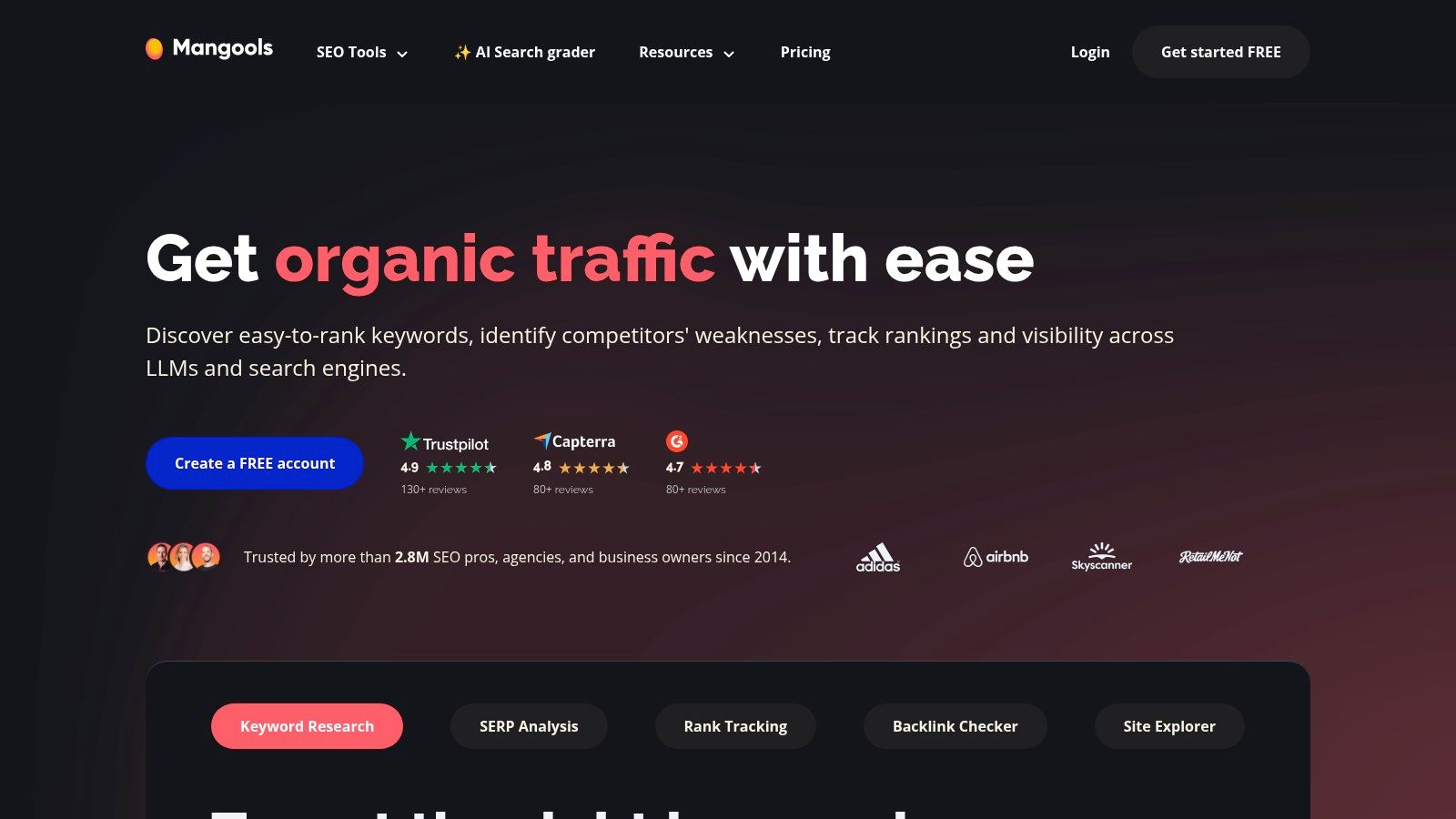
For those who want powerful data without the intimidating dashboards, Mangools offers a suite of SEO tools for beginners that is clean, intuitive, and visually appealing. It’s a bundle of five distinct tools, including the highly-praised KWFinder, that work together seamlessly. The design philosophy is clear: deliver critical SEO metrics in the simplest way possible.
What makes Mangools a standout choice is its focus on nailing the fundamentals. KWFinder, its flagship tool, provides one of the most straightforward keyword research experiences available. It presents keyword difficulty scores on a simple 0-100 scale and gives you a clear SERP preview right next to your keyword list, so you can instantly see who you'd be competing against. This approach removes much of the guesswork common with more complex platforms.
Key Info & Use Cases
- Best For: Uncomplicated keyword research and SERP analysis.
- Getting Started: Jump straight into KWFinder. Type in a "seed" keyword, and it will generate hundreds of ideas categorized by related keywords, autocomplete suggestions, and questions. Focus on finding the green, low-difficulty keywords.
- Pricing: Offers a very limited free plan. Paid plans are budget-friendly, especially the annual options, making it a great value proposition for newcomers.
- Pro Tip: Use the SERPChecker tool to analyze the search results for a target keyword. It shows you key authority metrics (like Domain Authority and backlink counts) for every site on page one, helping you realistically assess your chances of ranking.
7. SE Ranking
If affordability and a comprehensive feature set are your top priorities, SE Ranking is an incredible choice among SEO tools for beginners. It provides a full suite of services-from rank tracking to competitor analysis-at a price point that is significantly more accessible for small businesses, freelancers, and agencies just starting out. It's a true all-in-one platform without the enterprise-level price tag.
What makes SE Ranking particularly great for newcomers is its clean interface and straightforward project setup. The Website Audit tool is fantastic, providing a prioritized list of issues to fix with clear explanations. Its flexibility is also a major plus; you can customize your plan based on how often you want to check keyword rankings, which helps keep costs low as you scale.
Key Info & Use Cases
- Best For: Affordable all-in-one SEO and flexible rank tracking.
- Getting Started: Use the "Marketing Plan" feature. It provides a ready-made SEO checklist with step-by-step tasks, helping you create a structured strategy right from the beginning.
- Pricing: Starts with a very competitive "Essential" plan, with pricing based on tracking frequency and keyword count. A 14-day free trial is available.
- Pro Tip: Dive into the "On-Page SEO Checker" for a specific URL. It scores your page against key SERP competitors and gives you precise recommendations on everything from content length to keyword usage, taking the guesswork out of optimization.
8. Screaming Frog SEO Spider
While it might look intimidating, Screaming Frog is one of the most powerful SEO tools for beginners wanting to dive into technical site health. This is not a cloud-based dashboard but a desktop program you run on your computer. It "crawls" your website just like Google does, providing a detailed list of every URL and identifying critical issues like broken links, missing title tags, or duplicate content.
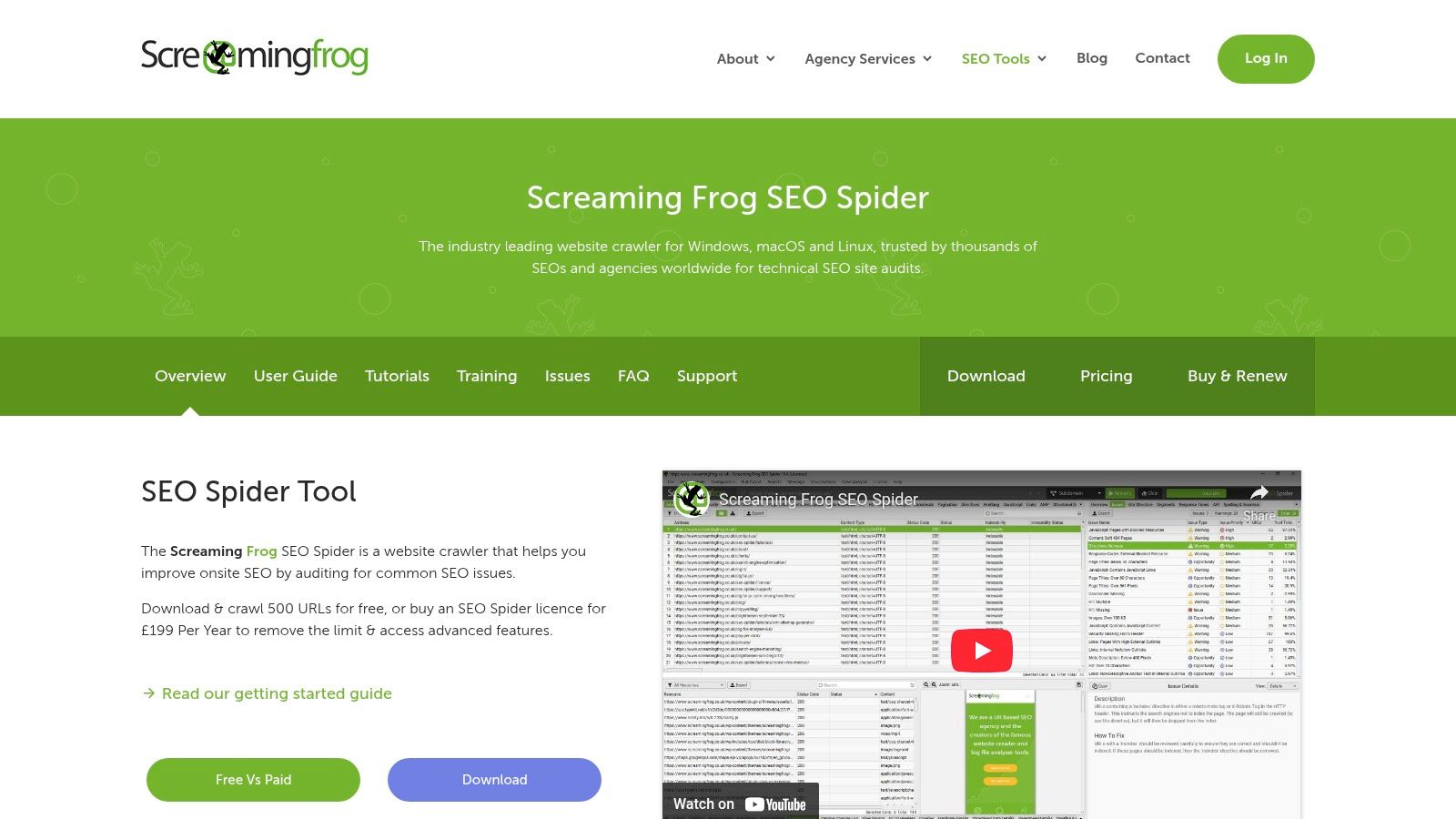
The real value for newcomers is its direct, unfiltered data. Instead of interpreting complex graphs, you get straightforward spreadsheets of your site's structure. Learning to navigate Screaming Frog is a rite of passage in the SEO world, and mastering its basic functions gives you a massive advantage in understanding how search engines see your website. It is the industry-standard tool for technical audits.
Key Info & Use Cases
- Best For: Technical SEO audits and identifying on-site issues at scale.
- Getting Started: Download the free version and run a crawl on your site. The "Internal" tab and the "Response Codes" tab are great places to start. Look for any "404" errors to find and fix broken links immediately.
- Pricing: The free version crawls up to 500 URLs, which is plenty for smaller sites. The paid license is an affordable one-time annual fee and unlocks advanced features and unlimited crawls.
- Pro Tip: Use the "Page Titles" and "Meta Description" tabs to quickly find pages with missing, duplicate, or too-long metadata. Fixing these is a quick win for improving your on-page SEO.
Check out Screaming Frog SEO Spider
9. Surfer
If your main SEO goal is to write content that actually ranks, Surfer is one of the most effective SEO tools for beginners you can find. It’s not an all-in-one suite; instead, it laser-focuses on helping you create perfectly optimized articles and blog posts. It takes the guesswork out of on-page SEO by analyzing top-ranking pages for your target keyword and giving you a clear, data-driven checklist to follow.
What makes Surfer so beginner-friendly is its Content Editor. As you write, it provides a real-time "Content Score," telling you exactly which keywords to add, how long your article should be, and how many headings to include. This task-oriented approach turns the complex art of on-page optimization into a simple, actionable process. You can even use its AI to generate outlines and drafts to overcome writer's block.
Key Info & Use Cases
- Best For: Creating data-driven content and optimizing existing articles.
- Getting Started: Create a new "Content Editor" query for a keyword you want to rank for. Surfer will generate a brief with key terms, questions, and structural recommendations to guide your writing from start to finish.
- Pricing: No free plan is available, but they offer a money-back guarantee. Paid plans are based on credits for audits and AI article generation, which can feel restrictive.
- Pro Tip: Don’t just use Surfer for new articles. Paste an existing, underperforming blog post into the Content Editor. Following its recommendations is one of the fastest ways to improve its ranking potential.
10. Yoast SEO (WordPress)
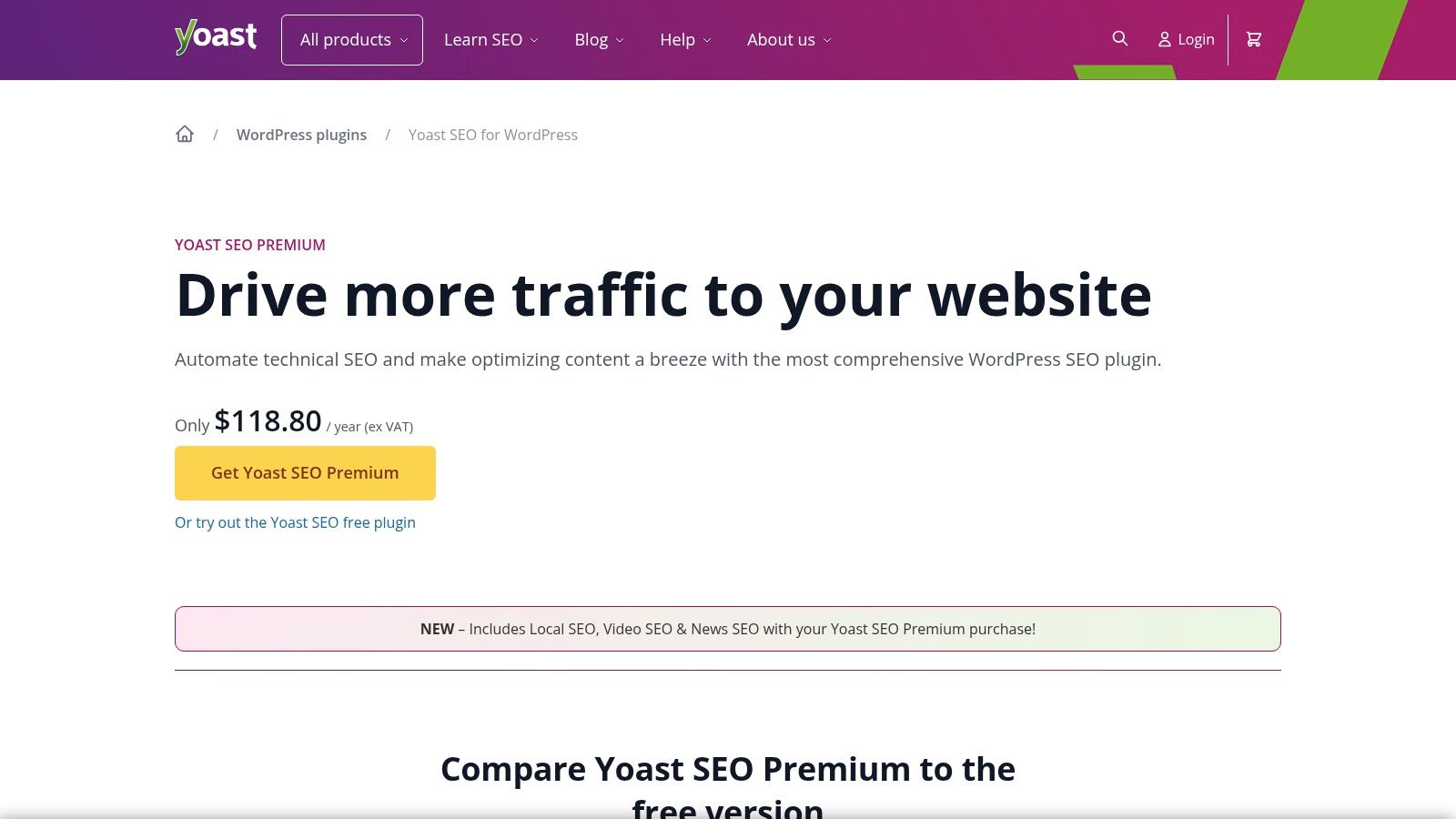
If your website is built on WordPress, the Yoast SEO plugin is an absolute must-have and one of the most essential SEO tools for beginners. It integrates directly into your page and post editor, giving you real-time feedback and guidance on how to optimize your content for search engines. This "on-the-job" training is perfect for learning the fundamentals of on-page SEO without ever leaving your website's dashboard.
What makes Yoast so effective for newcomers is its simple "traffic light" system. It gives you green, orange, or red scores for both SEO and Readability, along with a checklist of specific, actionable items to improve. This removes the guesswork and helps you build good habits by focusing on key elements like meta descriptions, keyword usage, and internal linking.
Key Info & Use Cases
- Best For: WordPress users needing guided, on-page SEO assistance.
- Getting Started: After installing the plugin, go to any post or page editor. Scroll down to the Yoast SEO box, enter your "focus keyphrase," and follow the recommendations in the "SEO analysis" tab to get your first green light.
- Pricing: A very capable free version is available. Yoast SEO Premium adds features like redirect management, internal linking suggestions, and access to the Yoast SEO academy.
- Pro Tip: Pay close attention to the "Readability" analysis. Improving your content's clarity and structure not only helps users but can also indirectly boost your SEO performance. For more plugin options, explore our guide on the best SEO tools for WordPress.
Check out Yoast SEO (WordPress)
11. Google Search Console
If there's one non-negotiable tool on this list, it's Google Search Console (GSC). Think of it as a direct communication line between you and Google. It’s not an optional extra; it's a foundational piece of any SEO strategy, offering insights you simply can't get anywhere else. As one of the most essential SEO tools for beginners, GSC tells you exactly how Google sees your site.
What makes GSC indispensable for newcomers is its focus on performance and health. It shows you which search queries bring users to your site, which pages are getting the most clicks, and whether you have technical issues preventing pages from being indexed. It removes the guesswork and provides data straight from the source, making it the ultimate source of truth for your website's performance in Google Search.
Key Info & Use Cases
- Best For: Understanding how Google sees your site and monitoring core search performance.
- Getting Started: Submit your sitemap via the "Sitemaps" report. This is a crucial first step to help Google discover and crawl all your important pages efficiently.
- Pricing: Completely free. You just need to verify ownership of your website.
- Pro Tip: Use the "Performance" report to find pages that rank on the second page of Google (positions 11-20). These are your "low-hanging fruit" pages that could jump to page one with a little content refresh or a few new internal links.
Check out Google Search Console
12. Google Analytics (GA4)
While not a traditional SEO tool for keyword research, Google Analytics (GA4) is an absolutely essential, non-negotiable platform for understanding your SEO results. It's the ultimate source of truth for how users find and interact with your website. As one of the most fundamental SEO tools for beginners, it answers critical questions like, "Which pages are attracting the most organic traffic?" and "What do visitors do after they arrive from Google?"
What makes GA4 indispensable is its ability to connect your SEO efforts to real-world user behavior. You can see which blog posts are most engaging, track goal completions (like form submissions) that came from organic search, and identify your top-performing landing pages. While the new GA4 interface has a steeper learning curve than its predecessor, its powerful "Explorations" reports allow you to build custom reports that visualize the user journey in incredible detail.
Key Info & Use Cases
- Best For: Measuring SEO performance and understanding user behavior.
- Getting Started: Connect your GA4 property to Google Search Console. This integration unlocks valuable reports that combine GSC's query data with GA4's on-site behavior data, giving you a complete picture of your search performance.
- Pricing: The standard version is completely free and powerful enough for almost all beginners and small businesses. An enterprise version (GA4 360) is available for massive sites.
- Pro Tip: In the left-hand menu, navigate to
Reports > Acquisition > Traffic acquisition. Change the primary dimension to "Session source / medium" and filter for "google / organic" to see a clean, dedicated report on your website's organic search traffic.
SEO Tool Features & Pricing Comparison
| Tool | Core Features/Capabilities | User Experience & Quality ★ | Value & Pricing 💰 | Target Audience 👥 | Unique Selling Points ✨ |
|---|---|---|---|---|---|
| 🏆 RankHub | AI-powered keyword & competitor gap analysis; 2 research modes; multi-site dashboard | ★★★★☆ Fast, intuitive, saves 85% time | Pay-as-you-go credits starting at $9.99; no subscriptions, credits never expire | Agencies, consultants, SMBs, marketers | Instant results in 60s; AI auto-filters irrelevant keywords; GDPR & SOC2 certified |
| Semrush | All-in-one SEO suite: keyword tool, site audit, rank tracking | ★★★★☆ Beginner-friendly guided workflows | Higher-tier subscription plans | Beginners to pros | Large ecosystem; extensive tutorials & integrations |
| Ahrefs | Backlink & keyword data; site audits; competitor analysis | ★★★★☆ High-quality, strong educational content | Premium pricing; free entry via Webmaster Tools | SEO pros & beginners | Massive backlink index; free Webmaster Tools for owned sites |
| Moz Pro | Rank tracking, keyword/link research, site audit | ★★★☆☆ Beginner-oriented UI and education | Subscription-based, mid-tier pricing | Beginners | Strong beginner resources; MozBar extension |
| Ubersuggest (Neil Patel) | Keyword ideas, audits, rank tracking | ★★★☆☆ Simple UI, easy onboarding | Budget-friendly monthly & lifetime purchases | Beginners, small businesses | Low cost; easy learning curve |
| Mangools | KWFinder, SERPChecker, rank tracking | ★★★☆☆ Intuitive, clear keyword difficulty | Annual plans with multi-seat options | Beginners, small sites | Very beginner-friendly UI; affordable annual plans |
| SE Ranking | Rank tracking, audits, backlink & keyword research | ★★★☆☆ Competitive pricing, helpful templates | Affordable subscriptions | SMBs, small agencies | Flexible tracking; Share of Voice metrics |
| Screaming Frog SEO Spider | Technical SEO crawler, broken links, metadata checks | ★★★☆☆ Industry-standard crawler, desktop-based | One-time license, low annual cost | Technical SEO specialists | Deep technical audit; integrations with GA, GSC, PageSpeed |
| Surfer | Content optimization, briefs, AI article generation | ★★★☆☆ Action-oriented for content creators | Subscription with credit limits | Content marketers, SEO writers | AI-assisted content drafting; real-time SEO scoring |
| Yoast SEO (WordPress) | On-page SEO, schema, sitemaps, redirects | ★★★☆☆ WordPress-focused, easy for beginners | Freemium with Premium add-ons | WordPress site owners | SEO basics directly in WP editor; SEO academy |
| Google Search Console | SEO performance reports, indexing, URL inspection | ★★★☆☆ Free, official Google data | Free | SEO beginners & pros | Essential index & issue monitoring |
| Google Analytics (GA4) | Traffic sources, engagement, conversion tracking | ★★★☆☆ Robust data, some learning curve | Free & enterprise tier via partners | Marketers & analysts | Deep analytics; integrates with Search Console & Ads |
Final Thoughts
Whew, that was a lot to take in, right? We've journeyed through a dozen of the best SEO tools for beginners, from all-in-one powerhouses like Ahrefs and Semrush to specialized champions like Screaming Frog and Surfer. The biggest takeaway? There is no single "best" tool for everyone. The right choice depends entirely on your specific situation, your budget, and what you're trying to achieve.
Diving into the world of SEO can feel like trying to drink from a firehose. These tools are designed to give you a more manageable stream of water. They translate the complex language of search engines into actionable data, helping you understand where you stand and how to move forward.
Your Next Steps: How to Choose the Right Tool
So, where do you go from here? Don't get paralyzed by choice. Instead, get strategic. Here's a simple framework to help you pick your starting lineup:
- If you have zero budget: Your non-negotiable starting point is the Google Suite. Install Google Search Console and Google Analytics (GA4) immediately. They are the source of truth, providing direct data from the search engine itself. They are essential for any SEO campaign, beginner or expert.
- If you're a solopreneur or small business owner: Your best bet is to start with a tool that offers a great balance of features and affordability. Look closely at Ubersuggest or Mangools. They provide the core functionalities like keyword research and rank tracking without the hefty price tag of the enterprise-level platforms.
- If you're on WordPress: Installing Yoast SEO is a no-brainer. It handles the foundational, on-page technical SEO right from your dashboard, making optimization a simple, guided process as you create content.
- If you're ready to invest in growth: When you're serious about competing and have some budget to allocate, it's time to trial one of the big players. Semrush, Ahrefs, or Moz Pro will give you a comprehensive, competitive view of the landscape that free tools simply can't match.
Remember to leverage those free trials! Spend a week with two different tools. Get a feel for their user interface, run a few reports, and see which one "clicks" for you. Your goal isn't just to buy software; it's to find a partner that makes your SEO workflow easier and more effective.
As you begin implementing these tools, you'll find that content creation becomes a central part of your strategy. As the landscape of digital marketing evolves, tools leveraging advanced technologies like AI are becoming increasingly important for tasks such as efficient content generation; for further insights, explore resources on AI for text creation. This can help you scale your efforts while maintaining quality.
Ultimately, the most important step is to simply start. Pick a tool, learn its core features, and begin applying the insights to your website. SEO is a marathon, not a sprint, and these tools are the high-tech running shoes that will help you go the distance.
Ready to simplify your SEO and see real results without the overwhelming complexity? RankHub was built specifically for beginners and teams who need clarity. We combine all the essential features you need - from keyword research to content optimization - into one intuitive platform. Try RankHub today and turn SEO data into your biggest advantage.
More from Our Blog
Zoho Marketing Automation Explained: Is It Right for You?
Compare Zoho Marketing Automation vs HubSpot on pricing, features, ease of use, and automation depth. See which wins for small teams and solo founders.
Read more →
Looking for an SEO Company? Here Are Your Best Options
Compare top SEO companies, AI platforms, and agencies. Find the best fit for your budget, from $49/month tools to full-service retainers.
Read more →
Marketing AI Tools Compared: Which Delivers Real Results?
Compare top marketing AI tools for SEO content creation. See pricing, features, and which tool fits solo founders, SMBs, and marketing teams.
Read more →